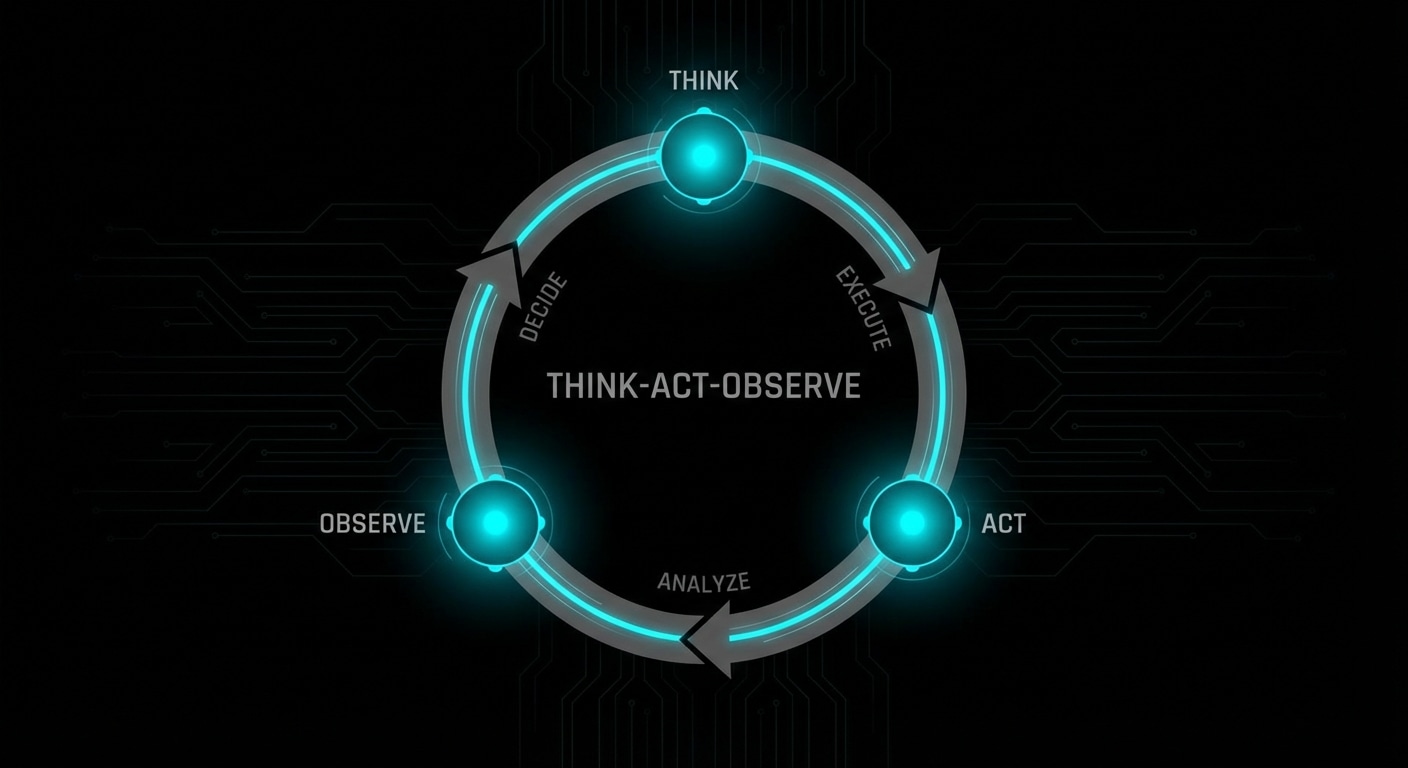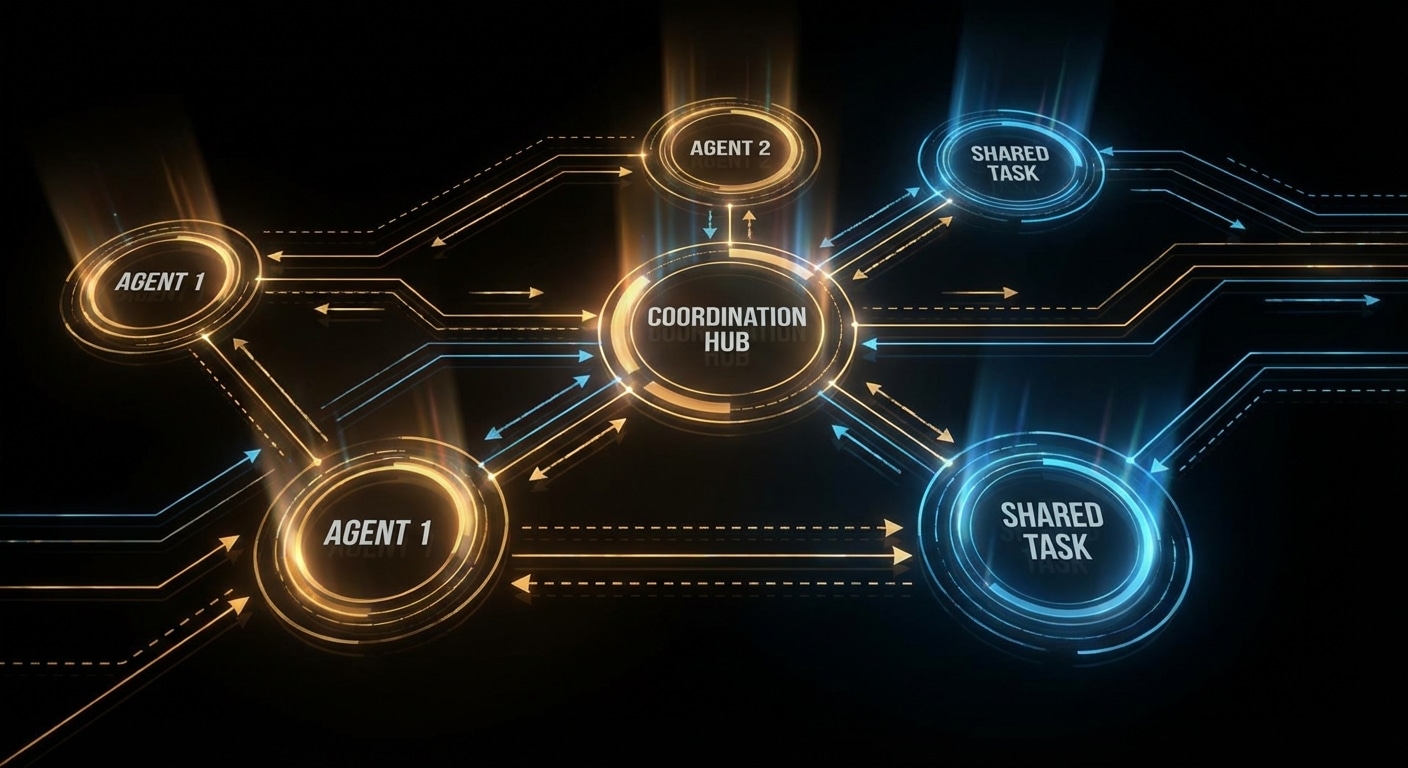
Multi-agent systems use more than one agent (or role) to accomplish a task. One might do research, another write code, another review; they hand off work or debate until they converge. The appeal is specialization and checks-and-balances: different “brains” for different steps, and one can catch another’s mistake. The cost is coordination: who does what, when do you stop, and how do you avoid loops or contradictions.
Coordination patterns vary. You can have a supervisor that assigns subtasks to worker agents and merges results. You can have a debate: two agents argue for different answers and a third decides. You can have a pipeline: agent A’s output is agent B’s input. The common thread is that each agent has a clear role and a defined interface (input/output or shared state), and the system has a protocol for handoffs and termination.
Trust is tricky. You’re still relying on LLMs to follow the protocol, stay in role, and not hallucinate or contradict each other. In practice you need guardrails: max steps, validation of handoffs, and sometimes human approval for high-stakes steps. Failure modes include infinite loops (agents keep delegating), conflicting answers (no clear winner), and one agent undoing another’s work.
Multi-agent setups are most useful when the task naturally splits (e.g. research + synthesis + writing) or when you want redundancy (e.g. two agents propose, one adjudicates). For many use cases a single capable agent with good tools is simpler and easier to debug.
Expect more frameworks and patterns for multi-agent coordination, and clearer guidance on when the extra complexity pays off.
nJoy 😉