
MCP servers typically need credentials to do useful work: database passwords, API keys for third-party services, signing keys for JWTs, cloud provider credentials. How you handle these secrets determines whether a breach stays contained or cascades. This lesson covers the full secrets management lifecycle for MCP servers: the baseline (environment variables), the better (Vault integration), and the best (cloud-native secrets with rotation) – plus what never to do.
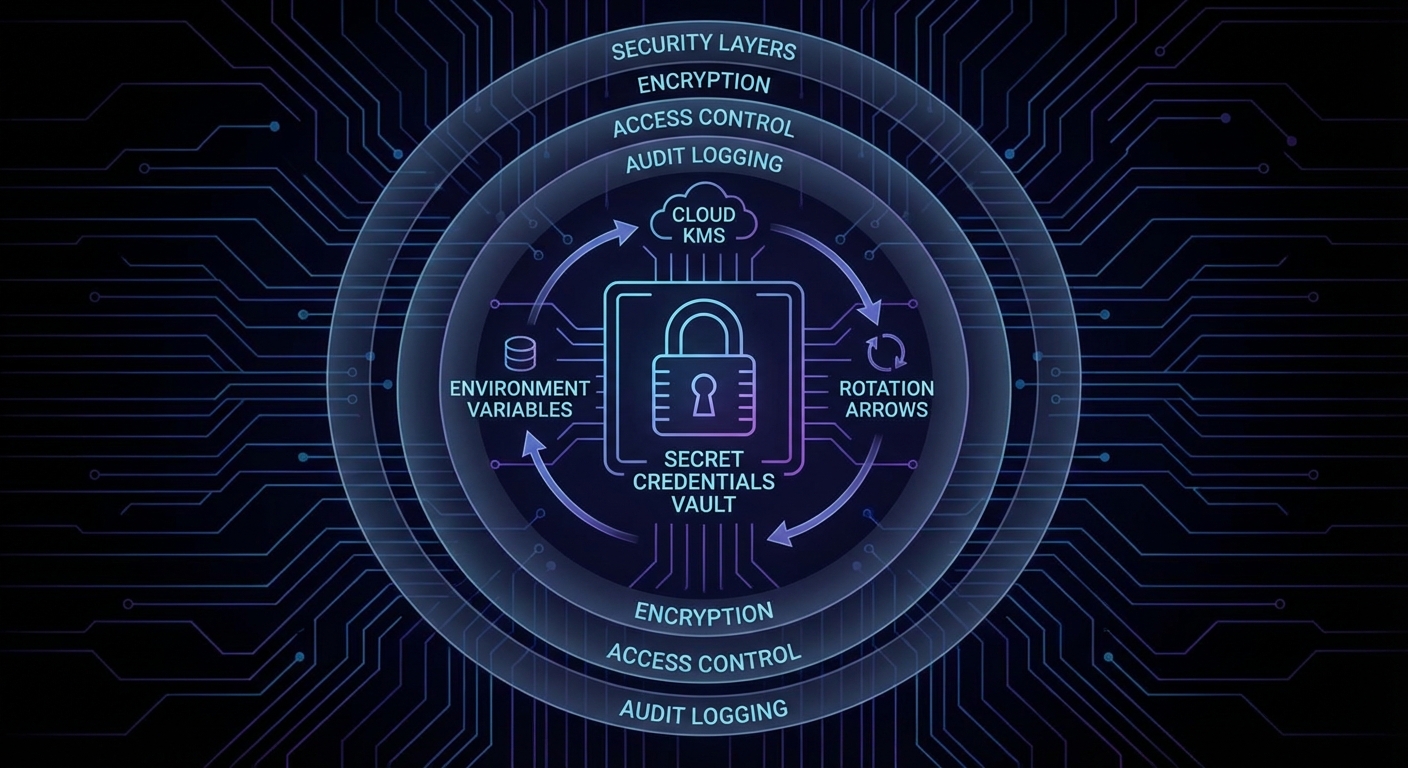
What Never to Do
- Never commit credentials to source control, even in private repos
- Never hard-code credentials in source files
- Never put credentials in container image build args (they appear in image history)
- Never log credentials, even partially (no “key: sk-…{first 8 chars}”)
- Never return credentials in tool output to the LLM (it may leak them)
Level 1: Environment Variables with Node.js 22 –env-file
# .env (never commit this)
DATABASE_URL=postgresql://user:pass@localhost:5432/mydb
OPENAI_API_KEY=sk-...
STRIPE_SECRET_KEY=sk_live_...
JWT_SIGNING_KEY=super-secret-signing-key

# Load in development with Node.js 22 native --env-file
# node --env-file=.env server.js
# No dotenv package needed
// Access secrets via process.env - never via object destructuring at module level
// (destructuring happens once at startup; env can be rotated in some setups)

function getDatabaseUrl() {
  const url = process.env.DATABASE_URL;
  if (!url) throw new Error('DATABASE_URL is required');
  return url;
}

// In Docker, pass via --env-file or -e flags, not build args
// docker run --env-file=.env.prod my-mcp-server
Environment variables are the right starting point for local development and simple deployments. But they have a key limitation: once set at process start, they are static. If a credential is rotated externally, your running server keeps using the old one until it restarts. For production systems that need zero-downtime rotation, you need a secrets manager that supports dynamic fetching.
Level 2: HashiCorp Vault Integration
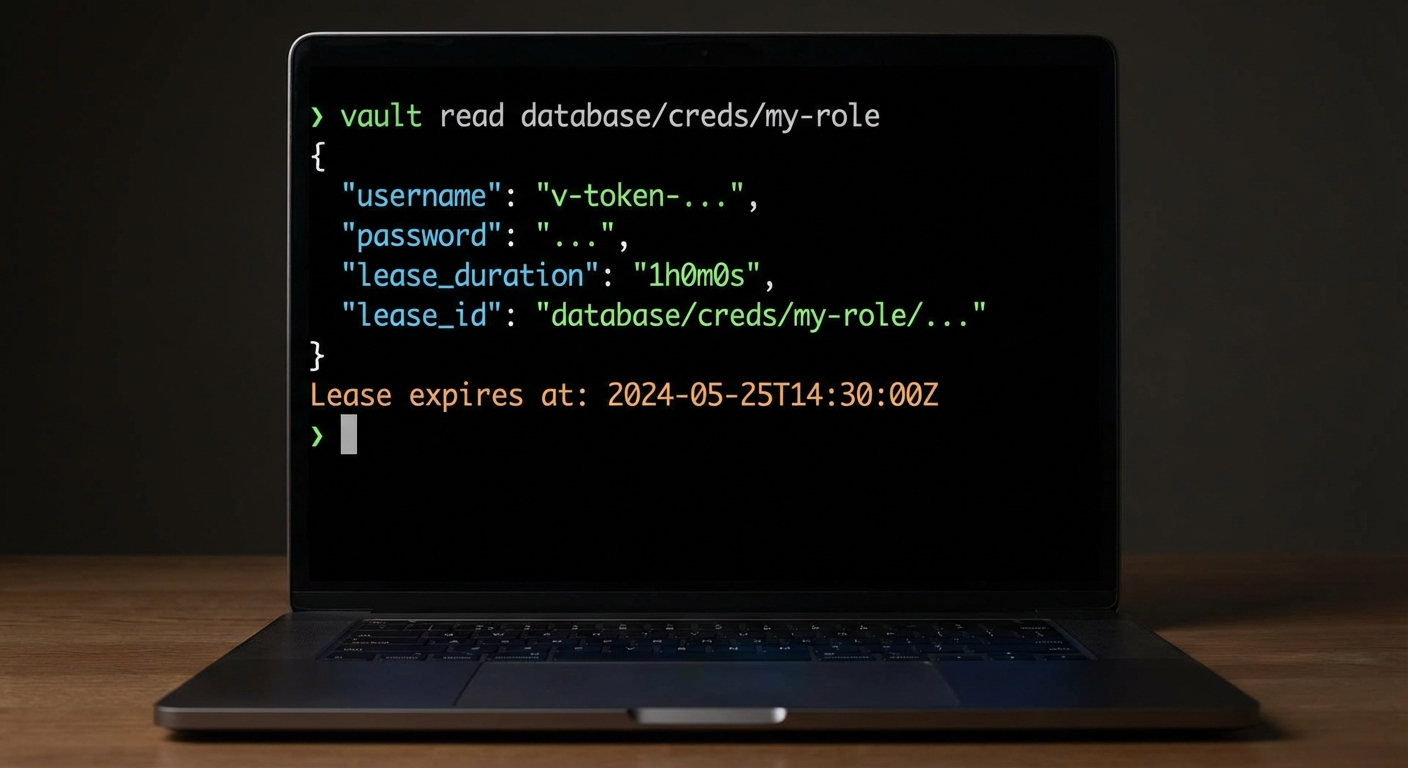
Vault provides centralized secrets management, dynamic credentials, and audit logging. The Node.js client is straightforward:
npm install node-vault
import vault from 'node-vault';

class SecretsManager {
  #client;
  #cache = new Map();

  constructor() {
    this.#client = vault({
      endpoint: process.env.VAULT_ADDR,
      token: process.env.VAULT_TOKEN,  // Or use AppRole auth
    });
  }

  async getSecret(path) {
    if (this.#cache.has(path)) {
      const cached = this.#cache.get(path);
      if (cached.expiresAt > Date.now()) return cached.value;
    }

    const { data } = await this.#client.read(path);
    // Cache for 5 minutes
    this.#cache.set(path, { value: data.data, expiresAt: Date.now() + 5 * 60_000 });
    return data.data;
  }

  async getDatabaseCredentials() {
    // Vault dynamic secrets: generates a fresh DB user for each request
    const creds = await this.#client.read('database/creds/mcp-server-role');
    return {
      username: creds.data.username,
      password: creds.data.password,
      leaseId: creds.lease_id,
      leaseDuration: creds.lease_duration,
    };
  }
}

const secrets = new SecretsManager();
const dbCreds = await secrets.getDatabaseCredentials();
One thing that can go wrong here: if Vault is unreachable when your MCP server starts, the server will crash immediately. Consider adding retry logic with exponential backoff for the initial Vault connection, and use the cache layer to survive brief Vault outages during normal operation.
Level 3: Cloud-Native Secrets (AWS/GCP/Azure)
// AWS Secrets Manager
import { SecretsManagerClient, GetSecretValueCommand } from '@aws-sdk/client-secrets-manager';

const sm = new SecretsManagerClient({ region: 'us-east-1' });

async function getAWSSecret(secretName) {
  const { SecretString } = await sm.send(new GetSecretValueCommand({ SecretId: secretName }));
  return JSON.parse(SecretString);
}

// GCP Secret Manager
import { SecretManagerServiceClient } from '@google-cloud/secret-manager';

const gsmClient = new SecretManagerServiceClient();

async function getGCPSecret(name) {
  const [version] = await gsmClient.accessSecretVersion({ name });
  return version.payload.data.toString('utf8');
}
Cloud-native secrets managers are the production standard because they integrate directly with IAM roles, eliminating the need to manage Vault tokens or root credentials. Your MCP server authenticates to the secrets manager using its service account identity, so there are no bootstrap secrets to protect.
Secret Rotation in MCP Servers
// Graceful rotation: fetch a fresh secret when a credential fails
// rather than hardcoding the rotation schedule

class RotatingApiClient {
  #apiKey = null;
  #lastFetch = 0;

  async getApiKey() {
    // Refresh every 15 minutes (Vault lease or cloud secret TTL)
    if (Date.now() - this.#lastFetch > 15 * 60 * 1000) {
      const secret = await getSecret('/mcp/api-keys/openai');
      this.#apiKey = secret.key;
      this.#lastFetch = Date.now();
    }
    return this.#apiKey;
  }

  async callApi(endpoint) {
    const key = await this.getApiKey();
    const response = await fetch(endpoint, {
      headers: { Authorization: `Bearer ${key}` },
    });
    if (response.status === 401) {
      // Key may have been rotated externally - force refresh
      this.#lastFetch = 0;
      const freshKey = await this.getApiKey();
      return fetch(endpoint, { headers: { Authorization: `Bearer ${freshKey}` } });
    }
    return response;
  }
}
The retry-on-401 pattern above is essential in production. When a secret is rotated externally (by an ops team or an automated schedule), your running server will get a 401 on the next API call. Instead of crashing, it clears the cache and fetches the new credential. This is what makes zero-downtime rotation possible.
Secrets in MCP Server Configuration Files
MCP clients configure servers in JSON config files (Claude Desktop’s claude_desktop_config.json, for example). These files often end up in version control. Use environment variable references instead:
{
  "mcpServers": {
    "my-server": {
      "command": "node",
      "args": ["./server.js"],
      "env": {
        "DATABASE_URL": "${DATABASE_URL}",
        "API_KEY": "${MY_SERVER_API_KEY}"
      }
    }
  }
}
The MCP SDK resolves ${VAR_NAME} references from the parent process’s environment at launch time. The config file itself never contains the secret values.
This pattern is especially important for shared development teams. The config file can be safely committed to version control while each developer sets their own environment variables locally. It also means CI/CD pipelines can inject production secrets at deploy time without modifying any config files.
Common Secrets Failures
- Secrets in LLM context: Never pass credentials as part of tool descriptions, prompts, or tool results. An LLM that has seen a secret can reproduce it in its output. Use a lookup-by-name pattern instead.
- Long-lived tokens: API keys that never expire are a permanent risk if leaked. Use tokens with expiry and rotate them on a schedule.
- No secret access audit: Vault and cloud KMS providers log every secret access. If you are not using these logs, you have no way to detect credential exfiltration.
- Broad IAM permissions: A service account that can read all secrets is a single point of failure. Scope each MCP server’s IAM policy to only the secrets it needs.
What to Build Next
- Audit your current MCP server: list every
process.envaccess and verify each secret is loaded from a secure source, not hardcoded or committed. - Add Vault or your cloud KMS to your local dev environment and replace one hardcoded credential with a dynamic fetch.
nJoy 😉