
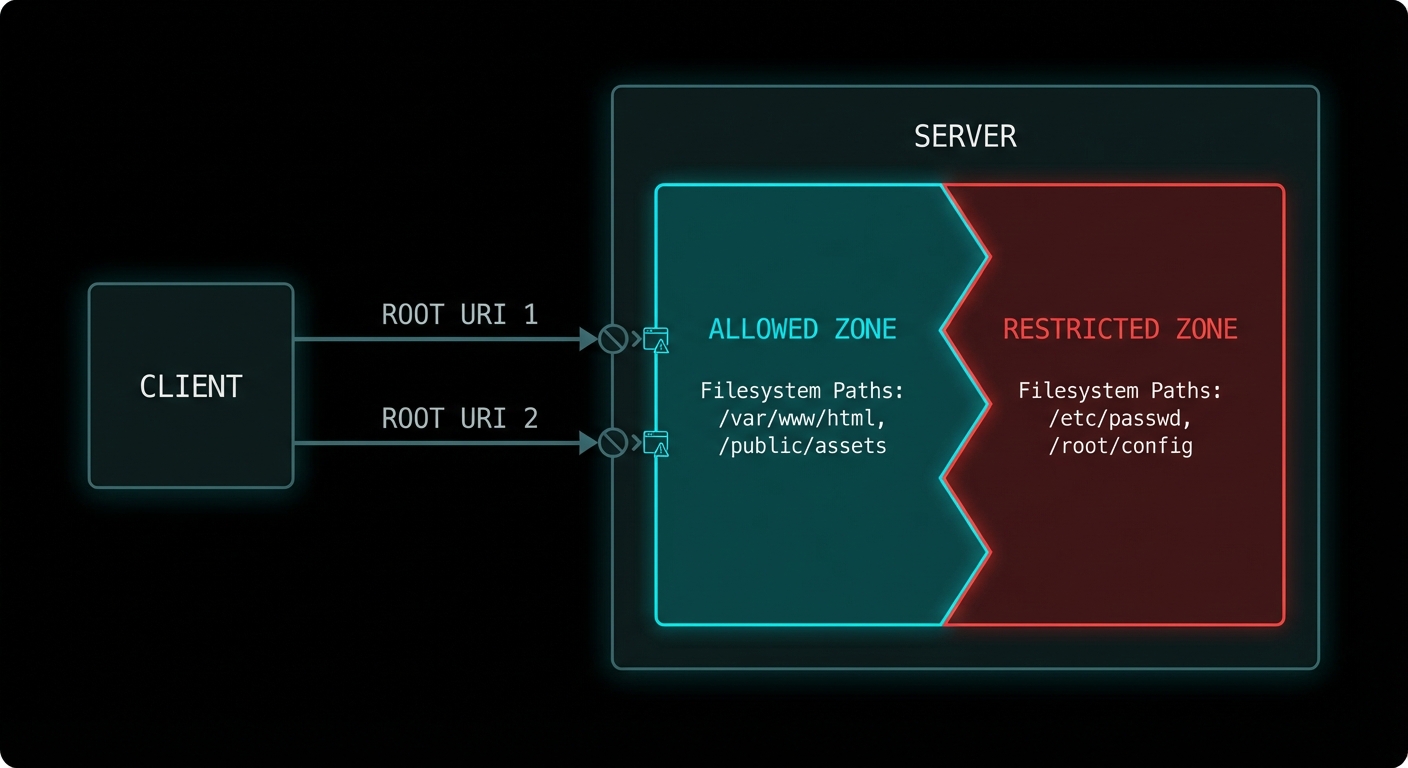
A server that can read any file anywhere on the filesystem is a security disaster waiting to happen. Roots are MCP’s answer to the containment problem: a mechanism for clients to tell servers exactly which filesystem paths and URIs they are permitted to access. It is not just a security feature – it is also a scoping feature. Roots let the host say “this AI assistant is allowed to work with the files in this project directory”, giving the server a clear operational boundary without restricting it to a fixed list of resources.
What Roots Are
A root is a URI that defines a boundary of the client’s environment that the server may access. A root most commonly represents a directory on the filesystem (file:///Users/alice/my-project), but it can also be any URI scheme meaningful to the server (https://api.mycompany.com/v1, git://my-org/my-repo). The server should limit its operations to within the URIs provided as roots.
Roots flow from client to server: the client announces its roots when the server requests them via the roots/list method. The client can also notify the server when roots change via the roots/list_changed notification.
// Client: declare roots capability
const client = new Client(
  { name: 'my-ide', version: '1.0.0' },
  {
    capabilities: {
      roots: {
        listChanged: true,  // Client will notify when roots change
      },
    },
  }
);

// Client: respond to roots/list requests from the server
import { ListRootsRequestSchema } from '@modelcontextprotocol/sdk/types.js';

client.setRequestHandler(ListRootsRequestSchema, async () => ({
  roots: [
    {
      uri: 'file:///Users/alice/my-project',
      name: 'My Project',
    },
    {
      uri: 'file:///Users/alice/shared-libs',
      name: 'Shared Libraries',
    },
  ],
}));

// Notify server when workspace changes (e.g. user opens a different project)
await client.sendNotification({
  method: 'notifications/roots/list_changed',
});
Server-Side Roots Usage
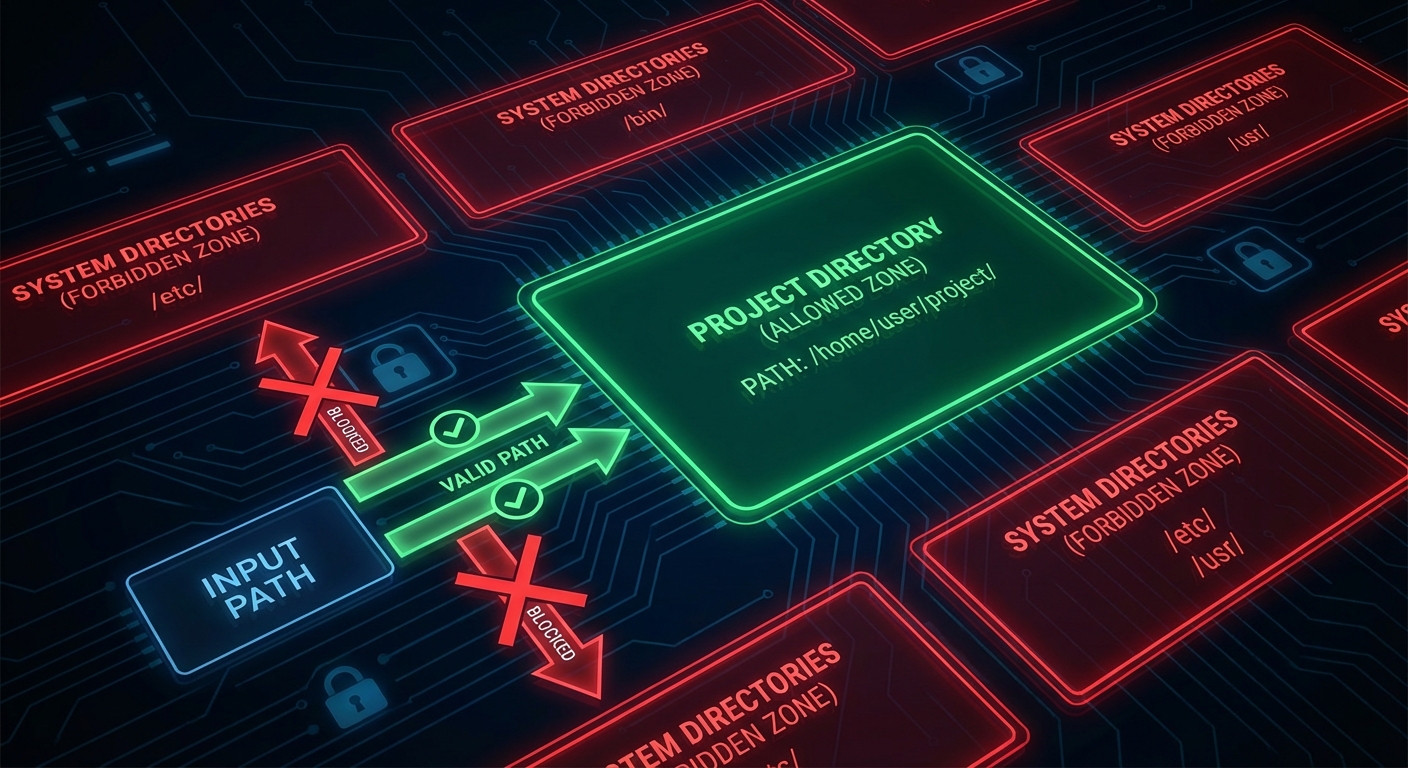
On the server side, you request the current roots at startup or whenever you need to know the operational scope. Use roots to validate that requested resource URIs fall within allowed boundaries before accessing them.
import { McpServer } from '@modelcontextprotocol/sdk/server/mcp.js';
import { z } from 'zod';
import path from 'node:path';
import fs from 'node:fs/promises';
import { fileURLToPath } from 'node:url';

const server = new McpServer({ name: 'fs-server', version: '1.0.0' });

// Helper: check if a path is within any declared root
async function isWithinRoots(targetPath, serverInstance) {
  const { roots } = await serverInstance.listRoots();
  const fileRoots = roots
    .filter(r => r.uri.startsWith('file://'))
    .map(r => fileURLToPath(r.uri));

  const normalised = path.resolve(targetPath);
  return fileRoots.some(root => normalised.startsWith(path.resolve(root)));
}

server.tool(
  'read_file',
  'Reads a file from within the allowed workspace roots',
  { file_path: z.string().describe('Path to the file to read') },
  async ({ file_path }, { server: serverInstance }) => {
    // Check the path is within declared roots before reading
    const allowed = await isWithinRoots(file_path, serverInstance);
    if (!allowed) {
      return {
        isError: true,
        content: [{
          type: 'text',
          text: `Access denied: ${file_path} is outside the allowed workspace roots.`,
        }],
      };
    }

    const content = await fs.readFile(file_path, 'utf8');
    return { content: [{ type: 'text', text: content }] };
  }
);
“Roots represent URI boundaries that define the scope of client access. Servers SHOULD use roots as guidance for what resources and operations to offer, respecting the boundaries set by the client.” – MCP Specification, Roots
Roots for Non-Filesystem URIs
Roots are not limited to file paths. Any URI scheme can be a root, which allows hosts to scope server access to particular API endpoints, repository namespaces, or any other URI-addressed resource space.
// API roots example
client.setRequestHandler(ListRootsRequestSchema, async () => ({
  roots: [
    { uri: 'https://api.mycompany.com/v1/projects/42', name: 'Project 42 API' },
    { uri: 'https://api.mycompany.com/v1/users/me', name: 'My User API' },
  ],
}));

// The server checks that any API call it makes is within these URIs:
async function isApiAllowed(endpoint, serverInstance) {
  const { roots } = await serverInstance.listRoots();
  return roots.some(r => endpoint.startsWith(r.uri));
}
Failure Modes with Roots
Case 1: Server Ignoring Roots Entirely
Roots are advisory in the current spec – the protocol does not force enforcement on the server. This means a badly implemented server can simply ignore the roots and access anything it wants. In a security-conscious deployment, the host should use OS-level sandboxing (chroot, Docker volumes, seccomp filters) to enforce the boundaries that roots only hint at.
// RISKY: Server trusts roots only, no OS enforcement
// A malicious or buggy server can bypass this
const allowed = await isWithinRoots(userProvidedPath, serverInstance);
if (allowed) await fs.readFile(userProvidedPath); // Only guarded by protocol hint

// SAFER: Add OS-level enforcement too
// Run the server process in a Docker container with volume mounts limited to the root dirs:
// docker run --volume /Users/alice/my-project:/workspace:ro my-mcp-server
Case 2: Not Handling roots/list_changed
If the user changes the active workspace (opens a different project, switches repositories), the client sends roots/list_changed. If the server caches the roots from startup and ignores this notification, it will use stale root information for all subsequent operations.
// Handle roots change notifications
server.setNotificationHandler(
  { method: 'notifications/roots/list_changed' },
  async () => {
    // Invalidate cached roots and re-fetch
    cachedRoots = null;
    console.error('[server] Roots changed - refreshed scope');
  }
);
What to Check Right Now
- Declare roots capability on your clients – if you build a host that has a concept of a workspace or project, declare roots and implement the handler. This is what makes your server integration “workspace-aware”.
- Validate paths against roots in every file-touching tool – add the
isWithinRootscheck to every tool that reads or writes files. Do this before anyfs.readFileorfs.writeFilecall. - Test path traversal attempts – try passing
../../../etc/passwdto a file-reading tool and verify the roots check catches it. - Combine roots with OS isolation – in production, run server processes in containers with volume mounts restricted to the declared roots. Advisory protocol constraints are not a substitute for OS-level isolation.
nJoy 😉