
The MCP specification evolves. New capabilities are added; some older mechanisms are deprecated; breaking changes occasionally ship. Building MCP servers that handle protocol version negotiation correctly means your clients and servers can interoperate across version boundaries without hard dependencies on a single spec revision. This lesson covers how MCP versioning works, how to negotiate capabilities with older clients, how to write migration guides when your own server schema changes, and the stability guarantees you can rely on from Anthropic.
How MCP Protocol Versioning Works
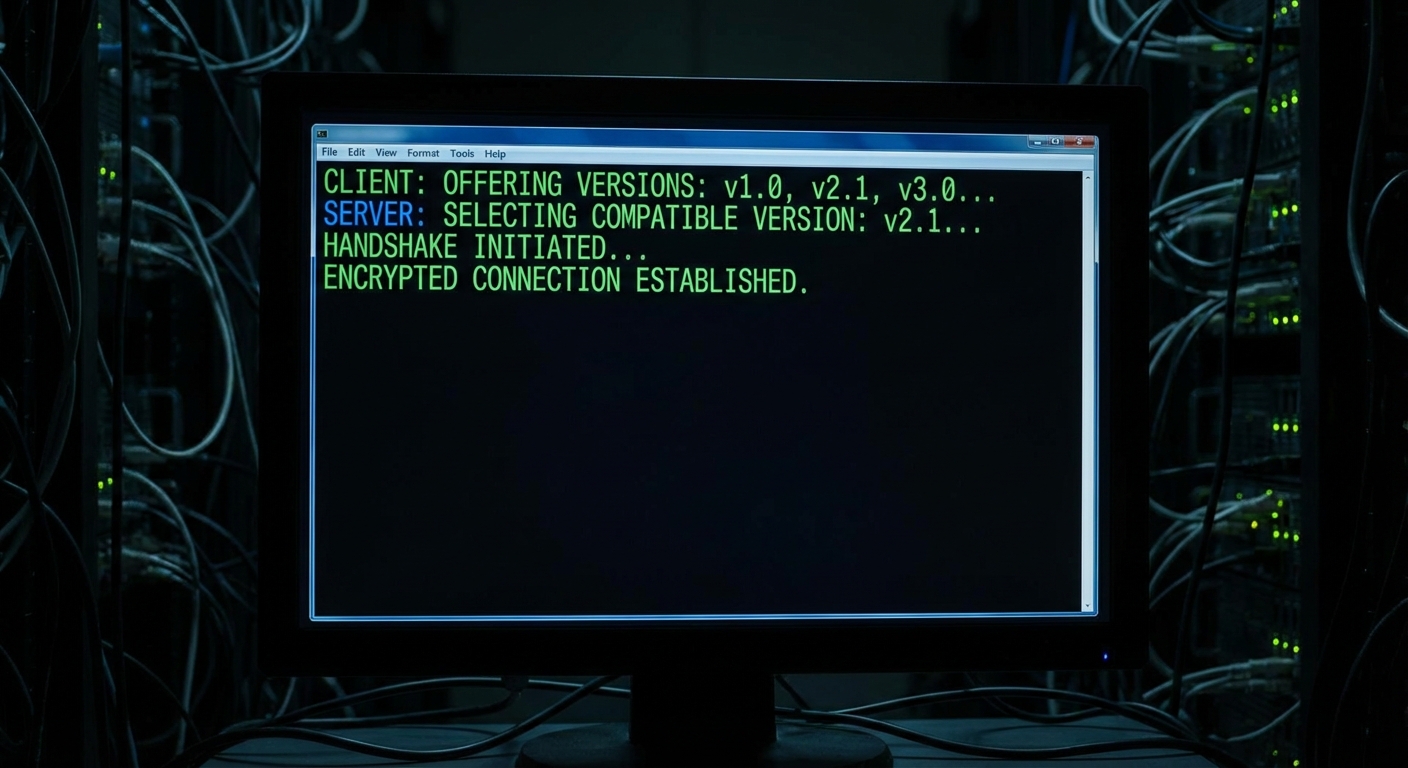
MCP uses date-stamped version strings like 2024-11-05 or 2025-11-25. During initialization, the client sends the version it wants, and the server responds with the version it will use (typically the same, or the highest version both sides support). If they cannot agree, the connection fails at initialization.
// Initialization exchange (JSON-RPC)
// Client sends:
{
  "jsonrpc": "2.0",
  "id": 1,
  "method": "initialize",
  "params": {
    "protocolVersion": "2025-11-25",
    "clientInfo": { "name": "my-client", "version": "2.0.0" },
    "capabilities": { "sampling": {}, "elicitation": {} }
  }
}

// Server responds with the version it accepts:
{
  "jsonrpc": "2.0",
  "id": 1,
  "result": {
    "protocolVersion": "2025-11-25",
    "serverInfo": { "name": "my-server", "version": "1.5.0" },
    "capabilities": { "tools": {}, "resources": {}, "prompts": {} }
  }
}
// The @modelcontextprotocol/sdk handles version negotiation automatically
// You do not need to implement it manually

// To check the negotiated version in your server:
server.server.oninitialized = () => {
  const version = server.server.negotiatedProtocolVersion;
  console.log(`MCP session initialized with protocol version: ${version}`);
};
In practice, you rarely implement version negotiation by hand – the SDK handles it for you. The important thing is understanding what happens under the hood: if a client sends a version your server’s SDK does not support, the connection fails at initialization with a clear error. Logging the negotiated version on startup (as shown above) helps you quickly diagnose “why can’t this client connect?” issues in production.
Feature Detection (Capability Negotiation)
// Check if the connected client supports a specific capability
// before using it in your server code

server.server.oninitialized = () => {
  const clientCaps = server.server.getClientCapabilities();

  const supportsElicitation = !!clientCaps?.elicitation;
  const supportsSampling = !!clientCaps?.sampling;
  const supportsRoots = !!clientCaps?.roots;

  console.log(`Client capabilities: elicitation=${supportsElicitation} sampling=${supportsSampling} roots=${supportsRoots}`);

  if (!supportsElicitation) {
    // Fall back to returning instructions in tool result instead of interactive elicitation
    console.warn('Client does not support elicitation - using text fallback');
  }
};
This matters in real deployments because not all MCP clients are equal. Claude Desktop supports elicitation and sampling, but a custom CLI client you built might not. If your server blindly calls server.createElicitation() against a client that did not declare the capability, the request will fail. Checking capabilities first and providing a text-based fallback keeps your server compatible with the broadest range of clients.

Migrating Your Tool Schema
When you change a tool’s input schema, existing clients that have cached the old schema will break. Follow a compatibility-first migration process:
// Backwards-compatible schema evolution: add optional fields, never remove required ones

// Version 1 schema (existing clients use this)
// search_products: { query: z.string(), limit: z.number().optional().default(10) }

// Version 2: add optional 'category' filter without breaking v1 clients
server.tool('search_products', {
  query: z.string(),
  limit: z.number().optional().default(10),
  category: z.string().optional(),           // New optional field - backwards compatible
  // NEVER remove or rename 'query' or 'limit' - that breaks v1 clients
  // NEVER make an optional field required - that also breaks v1 clients
}, handler);
// Breaking change strategy: add a versioned tool name during transition
// Phase 1: add new tool alongside old one
server.tool('search_products_v2', {
  query: z.string(),
  limit: z.number().optional().default(10),
  filters: z.object({  // New required field - would break v1 if added to original
    category: z.string().optional(),
    priceMax: z.number().optional(),
    inStock: z.boolean().optional().default(true),
  }),
}, handler);

// Phase 2: deprecate old tool via description
// server.tool('search_products', ...
//   description: 'DEPRECATED: use search_products_v2 instead'

// Phase 3 (after client migration window): remove old tool
The biggest gotcha with schema migration is that LLM clients cache tool definitions. Even after you update the server, an agent might still send arguments matching the old schema until it re-fetches the tool list. Making new fields optional (or using versioned tool names) ensures that stale cached schemas do not cause hard failures during the transition window.
Version Compatibility Matrix
The MCP specification has gone through four published revisions. Each is backwards-incompatible with the previous, which is why the date changes. A Draft version tracks work-in-progress changes that have not yet shipped.
| MCP Spec Version | Status | Key Features Added |
|---|---|---|
2024-11-05 |
Final | Initial release: tools, resources, prompts, sampling, stdio transport, HTTP+SSE transport |
2025-03-26 |
Final | OAuth 2.1 authorization framework, Streamable HTTP transport (replaces HTTP+SSE), tool annotations (destructiveHint, readOnlyHint, etc.), JSON-RPC batching, audio content type, completions capability |
2025-06-18 |
Final | Elicitation (server asks user for input), structured tool output, resource links in tool results, removed JSON-RPC batching, OAuth resource server classification (RFC 8707), MCP-Protocol-Version header required on HTTP, title field for human-friendly names |
2025-11-25 |
Current | Experimental tasks API (durable request tracking), OAuth Client ID Metadata Documents, tool calling in sampling requests, URL mode elicitation, enhanced authorization with incremental scope consent, icon metadata for tools/resources/prompts, OpenID Connect Discovery support, SSE polling |
Draft |
Draft | Work in progress: extensions field on capabilities, OpenTelemetry trace context propagation in _meta, SEP workflow formalisation. Do not target Draft in production. |
The version jumps tell you something important: 2025-03-26 shipped tool annotations and a new transport. 2025-06-18 then removed JSON-RPC batching that 2025-03-26 had just added – proof that the spec is willing to walk back decisions quickly. Always check the changelog between your current version and the target version before upgrading.
Stability Guarantees
With four published spec revisions in roughly 18 months, a reasonable question is: what can I actually depend on? The list below separates the stable foundations from the parts that have already changed between versions.
- JSON-RPC 2.0 wire format: Stable. Will not change between spec versions.
- Core methods (
initialize,tools/call,resources/read,prompts/get): Stable across all versions. - New capabilities: Always added as optional; never required for a functional server.
- Removals: Features can be removed between versions (JSON-RPC batching was added in
2025-03-26and removed in2025-06-18). Pin your protocol version in production. - SDK APIs: The TypeScript/JavaScript SDK minor versions maintain backwards compatibility; only major versions may include breaking changes.
2026 Roadmap Priorities
2026 Roadmap (blog.modelcontextprotocol.io)
The MCP project published a 2026 roadmap organised around Working Group priorities rather than fixed release dates. The two highest-priority areas reflect production deployment needs:
- Transport Evolution and Scalability: Addressing gaps in Streamable HTTP for production deployments. Focus areas include horizontal scaling without server-side state holding, standard session handling mechanisms, and a
.well-knownmetadata format for server capability discovery. The goal is to keep the set of official transports small (a core MCP principle) while making them production-ready for enterprise-scale clusters. - Agent Communication: Expanding the experimental Tasks primitive with lifecycle improvements including retry semantics for transient failures, expiry policies for task results, and better integration with multi-agent orchestration patterns. This builds directly on the Tasks API introduced in 2025-11-25.
The shift from date-driven releases to Working Group-driven priorities signals that MCP is entering a production-hardening phase. For course readers: pin to 2025-11-25 in production, watch the roadmap for transport and tasks changes, and participate in Working Groups if you want to shape the next spec revision.
What to Build Next
- Add a
server://versionresource to your MCP server that returns the current protocol version, SDK version, and your tool schema versions. Update it on every release. - Review your most-used tools for any fields that are currently optional but should be made required. Use the v2 naming strategy to transition safely.
nJoy 😉