
This capstone builds a filesystem agent powered by Claude 3.7 Sonnet. The agent can read files, search codebases, analyze code structure, and refactor files under user supervision. It applies the security patterns from Part VIII: roots for filesystem boundaries, tool safety for path validation, and confirmation-based elicitation for destructive file writes. The result is a safe, auditable codebase assistant that you can trust with your actual project files.
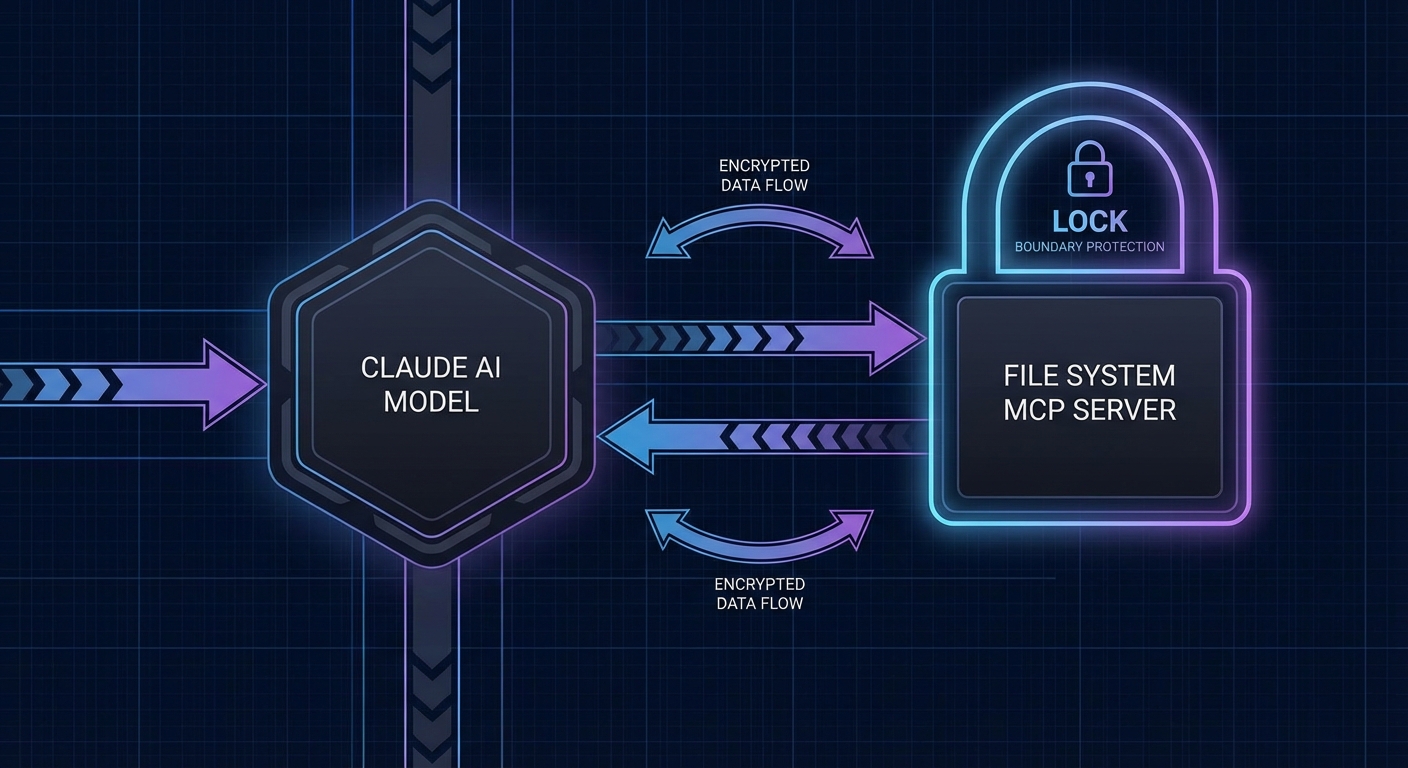
The Filesystem MCP Server
// servers/fs-server.js
import { McpServer } from '@modelcontextprotocol/sdk/server/mcp.js';
import { StdioServerTransport } from '@modelcontextprotocol/sdk/server/stdio.js';
import { z } from 'zod';
import fs from 'node:fs/promises';
import path from 'node:path';

const server = new McpServer({ name: 'fs-server', version: '1.0.0' });

// Get the allowed root from the client (via roots capability)
let allowedRoots = [];
server.server.onroots_list_changed = async () => {
  const { roots } = await server.server.listRoots();
  allowedRoots = roots.map(r => r.uri.replace('file://', ''));
};

// Path safety: ensure the path is within an allowed root
function validatePath(filePath) {
  const resolved = path.resolve(filePath);
  if (allowedRoots.length === 0) {
    throw new Error('No filesystem roots configured');
  }
  const isAllowed = allowedRoots.some(root => resolved.startsWith(path.resolve(root)));
  if (!isAllowed) {
    throw new Error(`Path '${resolved}' is outside allowed roots: ${allowedRoots.join(', ')}`);
  }
  return resolved;
}

// Tool: Read a file
server.tool('read_file', {
  path: z.string().min(1).max(512).refine(p => !p.includes('..'), 'Path traversal not allowed'),
}, async ({ path: filePath }) => {
  const safePath = validatePath(filePath);
  try {
    const content = await fs.readFile(safePath, 'utf8');
    const lines = content.split('\n').length;
    return { content: [{ type: 'text', text: `// ${safePath} (${lines} lines)\n${content}` }] };
  } catch (err) {
    return { content: [{ type: 'text', text: `Cannot read file: ${err.message}` }], isError: true };
  }
});

// Tool: List directory
server.tool('list_directory', {
  path: z.string().min(1).max(512),
  recursive: z.boolean().default(false),
}, async ({ path: dirPath, recursive }) => {
  const safePath = validatePath(dirPath);
  const entries = await listDir(safePath, recursive, 0, []);
  return { content: [{ type: 'text', text: entries.join('\n') }] };
});

async function listDir(dirPath, recursive, depth, results) {
  if (depth > 3) return results;  // Max 3 levels deep
  const entries = await fs.readdir(dirPath, { withFileTypes: true });
  for (const entry of entries) {
    if (entry.name.startsWith('.') || entry.name === 'node_modules') continue;
    const full = path.join(dirPath, entry.name);
    results.push(`${'  '.repeat(depth)}${entry.isDirectory() ? '[DIR] ' : ''}${entry.name}`);
    if (recursive && entry.isDirectory()) await listDir(full, recursive, depth + 1, results);
  }
  return results;
}

// Tool: Search for text in files
server.tool('search_files', {
  directory: z.string(),
  pattern: z.string().max(200),
  file_extension: z.string().optional(),
}, async ({ directory, pattern, file_extension }) => {
  const safePath = validatePath(directory);
  const regex = new RegExp(pattern, 'i');
  const matches = [];
  await searchFiles(safePath, regex, file_extension, matches);
  return { content: [{ type: 'text', text: matches.slice(0, 50).join('\n') || 'No matches found' }] };
});

// Tool: Write file (requires confirmation via elicitation)
server.tool('write_file', {
  path: z.string().min(1).max(512),
  content: z.string().max(100_000),
}, async ({ path: filePath, content }, context) => {
  const safePath = validatePath(filePath);

  // Check if file already exists
  const exists = await fs.access(safePath).then(() => true).catch(() => false);

  if (exists) {
    const confirm = await context.elicit(
      `This will overwrite '${safePath}'. Confirm?`,
      { type: 'object', properties: { confirm: { type: 'boolean' } } }
    );
    if (!confirm.content?.confirm) {
      return { content: [{ type: 'text', text: 'Write cancelled.' }] };
    }
  }

  await fs.mkdir(path.dirname(safePath), { recursive: true });
  await fs.writeFile(safePath, content, 'utf8');
  return { content: [{ type: 'text', text: `Written: ${safePath}` }] };
});

const transport = new StdioServerTransport();
await server.connect(transport);
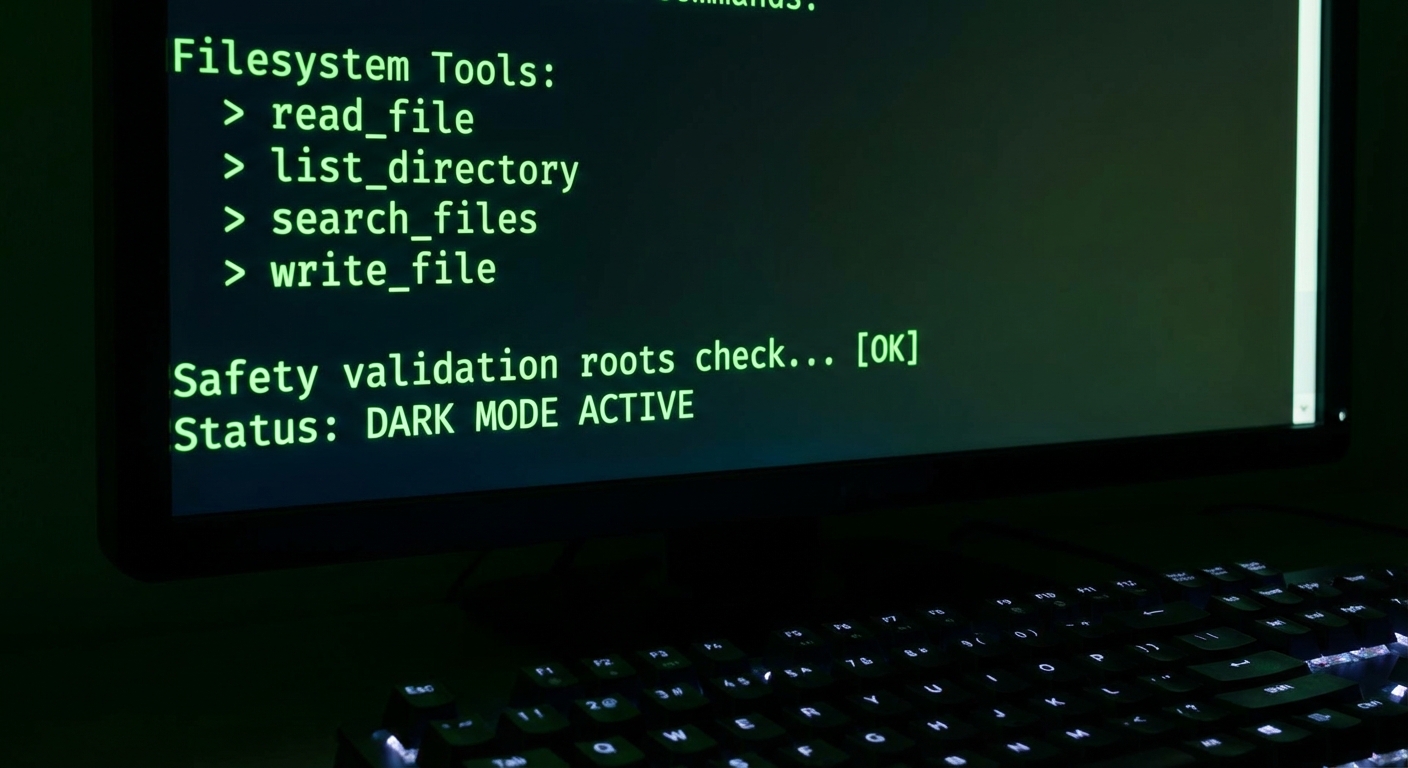
The layered validation here is worth studying. The Zod schema rejects path traversal (..) at the input level, validatePath enforces the roots boundary, and the write_file tool adds elicitation as a final gate. Each layer catches different attack vectors: malicious input, logic bugs, and unintended overwrites. Removing any single layer would leave a real gap.
If no roots are configured, every operation fails immediately. This is a deliberate fail-closed design. In production, you never want a misconfiguration to silently grant full filesystem access – it is far safer to break loudly than to expose /etc/passwd because someone forgot to set the project root.
The Claude Filesystem Agent
// agent/fs-agent.js
import Anthropic from '@anthropic-ai/sdk';
import { Client } from '@modelcontextprotocol/sdk/client/index.js';
import { StdioClientTransport } from '@modelcontextprotocol/sdk/client/stdio.js';

const anthropic = new Anthropic();

export async function createFilesystemAgent(projectRoot) {
  const transport = new StdioClientTransport({
    command: 'node',
    args: ['./servers/fs-server.js'],
    env: { ...process.env },
  });
  const mcp = new Client({
    name: 'fs-agent',
    version: '1.0.0',
    capabilities: { roots: { listChanged: true } },  // Declare roots support
  });
  await mcp.connect(transport);

  // Set the allowed root to the project directory
  // (roots are set by the client, enforced by the server)
  console.log(`Filesystem agent initialized. Root: ${projectRoot}`);

  const { tools: mcpTools } = await mcp.listTools();
  const tools = mcpTools.map(t => ({
    name: t.name, description: t.description, input_schema: t.inputSchema,
  }));

  return {
    async ask(question) {
      const messages = [{ role: 'user', content: question }];
      let turns = 0;

      while (true) {
        const response = await anthropic.messages.create({
          model: 'claude-3-7-sonnet-20250219',
          max_tokens: 4096,
          system: `You are a codebase assistant. The project root is ${projectRoot}.
Use read_file to examine files, list_directory to explore structure, search_files to find code.
Only use write_file when explicitly asked to modify files.`,
          messages,
          tools,
        });
        messages.push({ role: 'assistant', content: response.content });

        if (response.stop_reason !== 'tool_use') {
          return response.content.filter(b => b.type === 'text').map(b => b.text).join('');
        }

        if (++turns > 15) throw new Error('Max turns exceeded');

        const toolResults = await Promise.all(
          response.content.filter(b => b.type === 'tool_use').map(async block => {
            const result = await mcp.callTool({ name: block.name, arguments: block.input });
            const text = result.content.filter(c => c.type === 'text').map(c => c.text).join('\n');
            return { type: 'tool_result', tool_use_id: block.id, content: text };
          })
        );
        messages.push({ role: 'user', content: toolResults });
      }
    },
    async close() { await mcp.close(); },
  };
}
This agent pattern is the same one powering tools like Cursor, Windsurf, and Claude Code. A model reads your files, understands the structure, and proposes edits – but the human confirms destructive writes. The elicitation step in write_file is what separates a helpful assistant from a dangerous one.
One subtle risk: the search_files tool returns up to 50 matches, and large codebases could easily produce hundreds. If the model receives all 50 results in a single tool response, that burns a significant chunk of the context window. Consider adding pagination or relevance ranking if you deploy this against a large repository.
What to Extend
- Add a
run_teststool that executesnode --testand returns the output – the agent can then read failing test files and suggest fixes. - Add Claude’s extended thinking for architectural analysis queries (Lesson 21 pattern).
- Add the prompt caching pattern from Lesson 23 to cache the system prompt for long analysis sessions.
nJoy 😉