
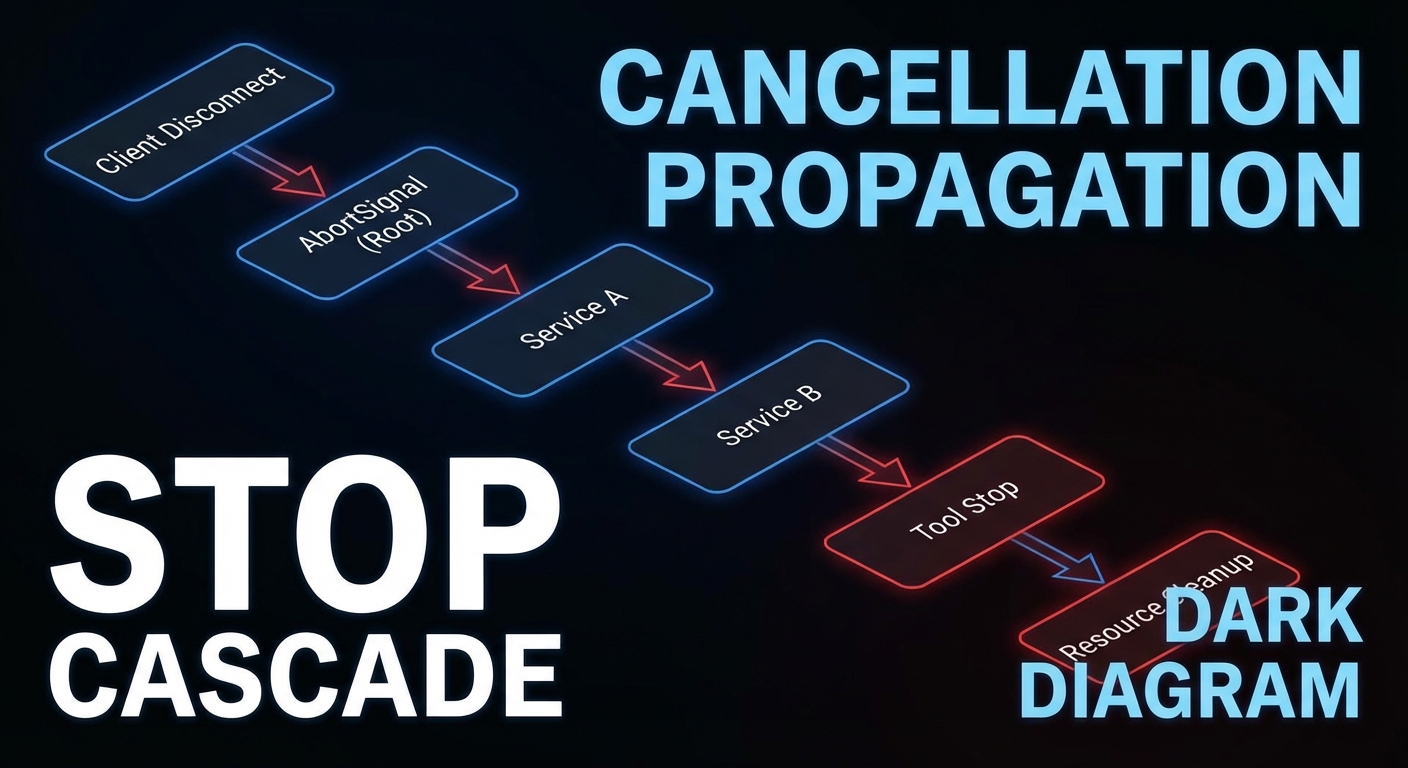
Streaming responses, long-running tools, and multi-step agent pipelines all share a common challenge: what happens when the client stops listening? Without proper cancellation propagation, cancelled client connections leave expensive operations running on the server indefinitely. This lesson covers three related mechanisms: request cancellation using AbortSignal, progress reporting with real-time updates, and backpressure strategies that prevent fast producers from overwhelming slow consumers.
AbortSignal in MCP Tool Handlers
When a client disconnects or cancels a request, the MCP SDK calls server.setRequestHandler‘s signal. Tool handlers should check this signal and abort expensive operations:
import { McpServer } from '@modelcontextprotocol/sdk/server/mcp.js';
import { z } from 'zod';

const server = new McpServer({ name: 'streaming-server', version: '1.0.0' });

server.tool('search_large_dataset', {
  query: z.string(),
  maxResults: z.number().default(100),
}, async ({ query, maxResults }, { signal }) => {
  // Pass signal to database query
  const results = await db.search(query, { maxResults, signal });

  // Pass signal to downstream HTTP calls
  const enriched = await Promise.all(
    results.map(r =>
      fetch(`https://enrichment.api/v1/${r.id}`, { signal })
        .then(res => res.json())
        .catch(err => {
          if (err.name === 'AbortError') throw err;  // Re-throw cancellation
          return r;  // Return unenriched on other errors
        })
    )
  );

  return { content: [{ type: 'text', text: JSON.stringify(enriched) }] };
});
The key insight here is that signal must be threaded through every async boundary. If you pass it to fetch but not to your database query, a cancelled request still hammers the database while the HTTP calls abort cleanly. Every layer of your call stack that does I/O should receive and respect the signal.
// In database clients that support AbortSignal
async function search(query, { maxResults, signal } = {}) {
  const client = await pool.connect();

  // Register cleanup on signal abort
  const cleanup = () => {
    client.query('SELECT pg_cancel_backend(pg_backend_pid())').catch(() => {});
    client.release();
  };

  signal?.addEventListener('abort', cleanup, { once: true });

  try {
    const result = await client.query(
      'SELECT * FROM products WHERE to_tsvector(description) @@ plainto_tsquery($1) LIMIT $2',
      [query, maxResults]
    );
    return result.rows;
  } finally {
    signal?.removeEventListener('abort', cleanup);
    client.release();
  }
}
A common mistake in the database cleanup pattern above is forgetting to call removeEventListener in the finally block. Without it, a completed query still has a dangling abort listener that fires if the signal is aborted later in the request lifecycle, potentially cancelling an already-released connection and corrupting your connection pool state.
Progress Reporting via Streaming Tool Results
Cancellation handles the “stop” case. Progress reporting handles the “how far along are we?” case. For batch operations that take minutes, silence from the server is indistinguishable from a hang. Emitting periodic progress via sendLoggingMessage lets monitoring tools and MCP Inspector show real-time status without changing the tool’s return type.
// MCP tools can emit progress events using the server's notification mechanism
// For now, progress is communicated via the task polling pattern from Lesson 45
// or via streaming text content updates

server.tool('process_batch', {
  items: z.array(z.string()).max(1000),
}, async ({ items }, { signal }) => {
  const results = [];
  const total = items.length;

  for (let i = 0; i < items.length; i++) {
    if (signal?.aborted) {
      return {
        content: [{ type: 'text', text: JSON.stringify({
          status: 'cancelled',
          processed: i,
          total,
          results,
        }) }],
      };
    }

    const result = await processItem(items[i]);
    results.push(result);

    // Emit progress via logs/notification (visible in MCP Inspector)
    if (i % 50 === 0) {
      server.server.sendLoggingMessage({
        level: 'info',
        data: `Progress: ${i + 1}/${total} (${Math.round(((i + 1) / total) * 100)}%)`,
      });
    }
  }

  return { content: [{ type: 'text', text: JSON.stringify({ status: 'complete', results }) }] };
});
Backpressure in Streaming Tool Results
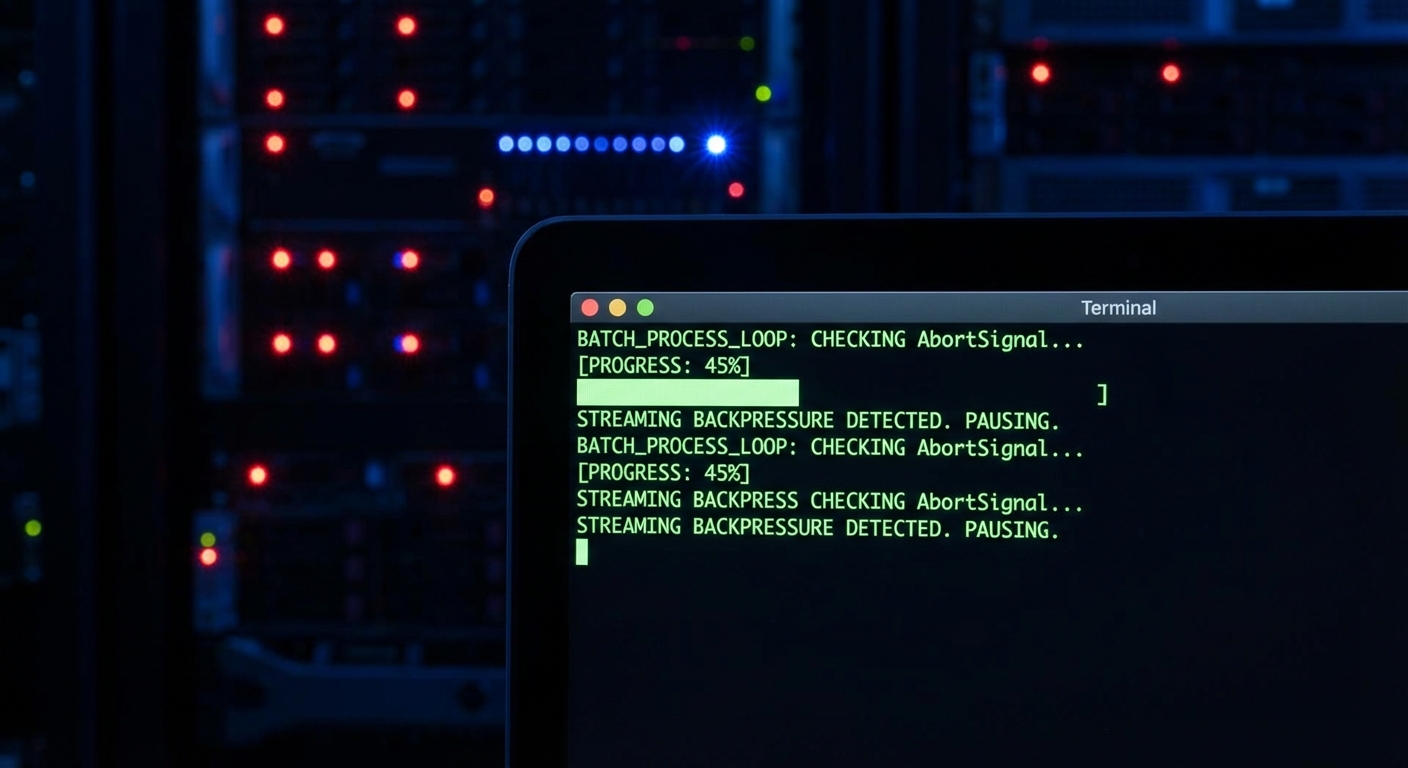
Progress tells the client what is happening. Backpressure prevents the server from producing data faster than the client can consume it. Without backpressure, a tool that streams thousands of log lines can exhaust server memory buffering unsent data while the client processes earlier chunks. The generator pattern below yields control between batches, giving the runtime a chance to drain the outbound buffer.
// When a tool generates large amounts of streaming data,
// use a ReadableStream with backpressure control

server.tool('stream_logs', {
  service: z.string(),
  since: z.string(),
}, async ({ service, since }, { signal }) => {
  // Generator-based streaming with backpressure
  async function* generateLogs() {
    const logStream = await getLiveLogStream(service, since, { signal });
    let buffer = [];

    for await (const logLine of logStream) {
      if (signal?.aborted) break;
      buffer.push(logLine);

      // Yield batches of 50 lines to avoid overwhelming the response
      if (buffer.length >= 50) {
        yield buffer.join('\n');
        buffer = [];
        // Yield control to allow backpressure to work
        await new Promise(r => setImmediate(r));
      }
    }

    if (buffer.length > 0) yield buffer.join('\n');
  }

  // Collect all chunks (in practice, return first N lines for tool calls)
  const chunks = [];
  let totalLines = 0;

  for await (const chunk of generateLogs()) {
    chunks.push(chunk);
    totalLines += chunk.split('\n').length;
    if (totalLines > 500) {
      chunks.push('[...truncated, 500 line limit reached]');
      break;
    }
  }

  return { content: [{ type: 'text', text: chunks.join('\n') }] };
});
Handling SSE Client Disconnections
All of the above - cancellation, progress, backpressure - ultimately depends on detecting when the client is gone. For Streamable HTTP servers, the browser or HTTP client closing the connection triggers a socket close event. The code below wires that event to an AbortController, which the SDK then propagates to your tool handlers automatically.
// For Streamable HTTP servers, detect client disconnections via res.on('close')
app.post('/mcp', async (req, res) => {
  const transport = getOrCreateTransport(req);

  // Create an AbortController for this connection
  const controller = new AbortController();
  req.socket.on('close', () => controller.abort());

  // Pass the signal to the MCP transport (SDK handles propagation to tool handlers)
  await transport.handleRequest(req, res, req.body, { signal: controller.signal });
});
What to Build Next
- Add
signal?.addEventListener('abort', cleanup)to your longest-running tool handler. Test it by disconnecting the client mid-execution and verify resources are released. - Add a per-tool timeout using
AbortSignal.timeout(ms)to prevent any single tool call from running indefinitely.
nJoy 😉