MCP Explained: The USB Standard for AI Tools

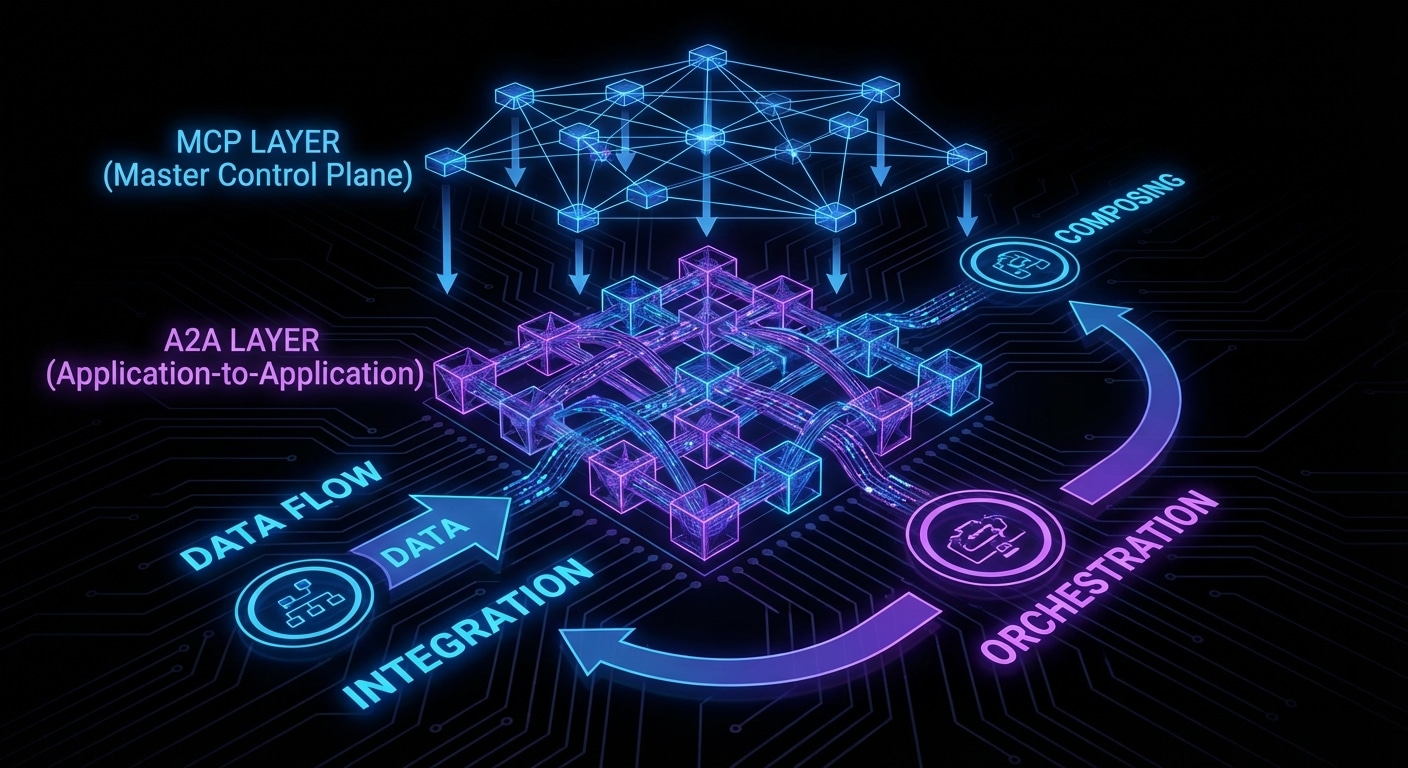
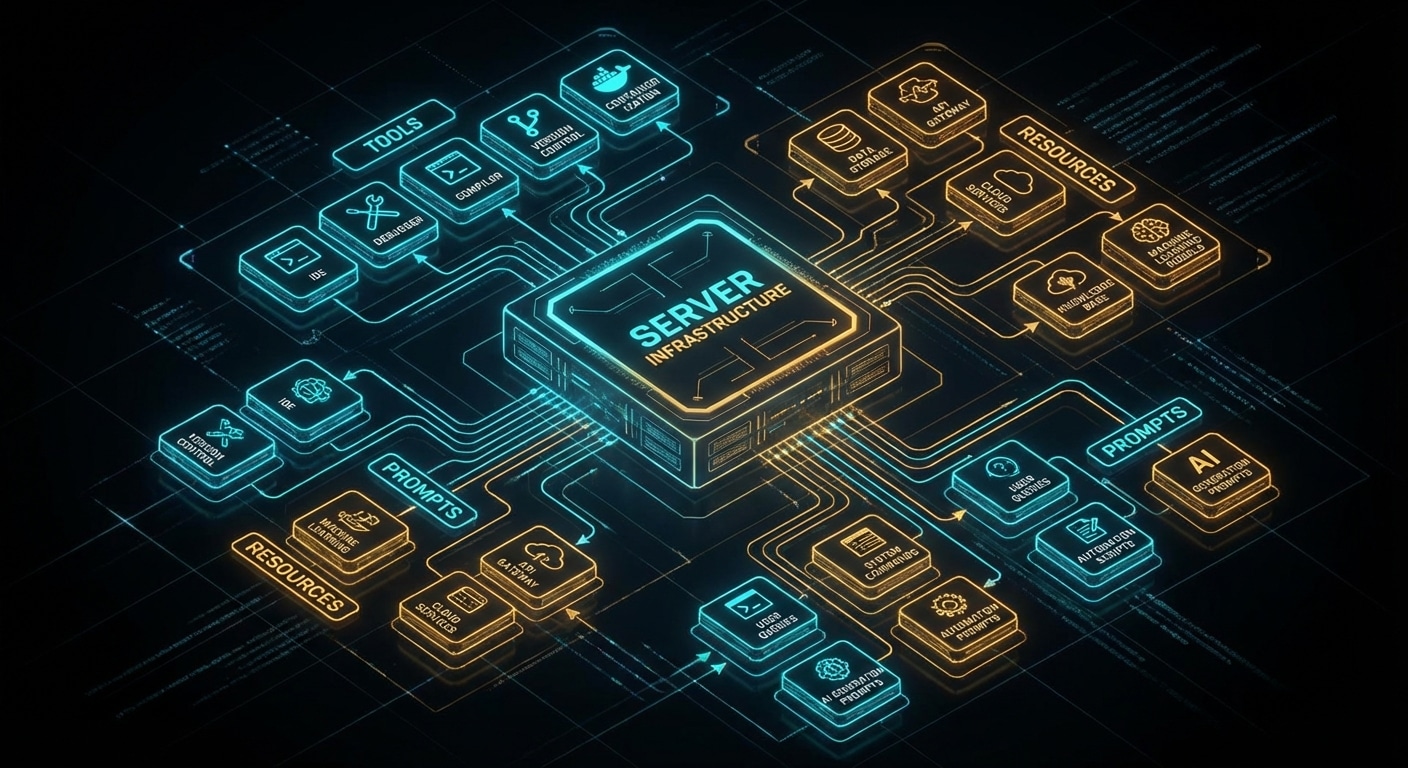
MCP stands for Model Context Protocol. In practice it’s a standard way for an AI application (a host) to talk to tools and data sources (servers). A host, Cursor, Claude Desktop, or a custom app, discovers and calls MCP servers over a defined transport (e.g. stdio or HTTP). Each server exposes tools (actions the model can request), resources (read-only data the model can pull in), and optionally prompts (templates). So instead of every app inventing its own plugin system, MCP gives you one protocol: like USB for AI tools.

From the host’s point of view you add a server by config (name, transport, args). The host then fetches the server’s capability list: what tools exist, what arguments they take, what resources are available. When the model wants to call a tool, the host sends the request to the right server and passes the result back to the model. The model never talks to the server directly; the host is the broker. That keeps auth, rate limits, and safety in one place.

Servers can be local (a process on your machine) or remote (HTTP). They can wrap existing APIs, file systems, or custom logic. The protocol is transport-agnostic so you can run the same server over stdio in dev and HTTP in production. Tool schemas are JSON-based so they’re easy to generate and validate.

MCP doesn’t solve everything, you still have to build and secure the servers, and the model still has to choose the right tool and arguments. But it solves the “how do we plug tools in?” problem in a way that’s reusable across hosts and models. That’s why it’s spreading: one protocol, many apps and servers.

Expect more MCP servers in the wild and tighter integration in major AI products. The value is in the ecosystem, not any single implementation.

nJoy πŸ˜‰

Agent Memory: Short-Term Context, Long-Term State, and the Gap Between

Agents have two kinds of “memory”: the context window (short-term) and everything else (long-term). Short-term is what you send in each request, the conversation so far, maybe a summary of older turns, plus any retrieved docs or tool results. That’s limited (e.g. 128K tokens) and expensive. Long-term would be a persistent store: facts about the user, past decisions, or project state that survives across sessions. Today most agents don’t have a real long-term memory; they get a fresh context each time or a hand-built “summary” that you inject.

The gap shows up when you want an agent that remembers your preferences, what it did last week, or the current state of a long project. Without long-term memory, you have to tell it again or rely on RAG over past transcripts. That works up to a point, but retrieval isn’t the same as “knowing”: the model might not get the right chunk or might contradict what it “remembered” before. True long-term memory would mean the agent updates a store (e.g. a knowledge graph or structured DB) and reads from it at the start of each run, still an open design problem.

Short-term is also a design choice: do you keep every message, or do you summarise old turns to save space? Summarisation loses detail; keeping everything hits context limits. Many systems use a sliding window plus a running summary. Tool results can be truncated or summarised too, so the model sees “the answer was X” instead of a 10K-character dump.

Until we have standard, reliable long-term memory, agents will stay best at single-session or well-scoped tasks. The progress will come from better retrieval, better summarisation, and eventually learned or hybrid memory that the agent can read and update safely.

Expect more work on agent memory architectures and on grounding agents in external state (databases, docs) as a stand-in for true long-term memory.

nJoy πŸ˜‰

Multi-Agent Systems: Coordination, Trust, and Failure Modes

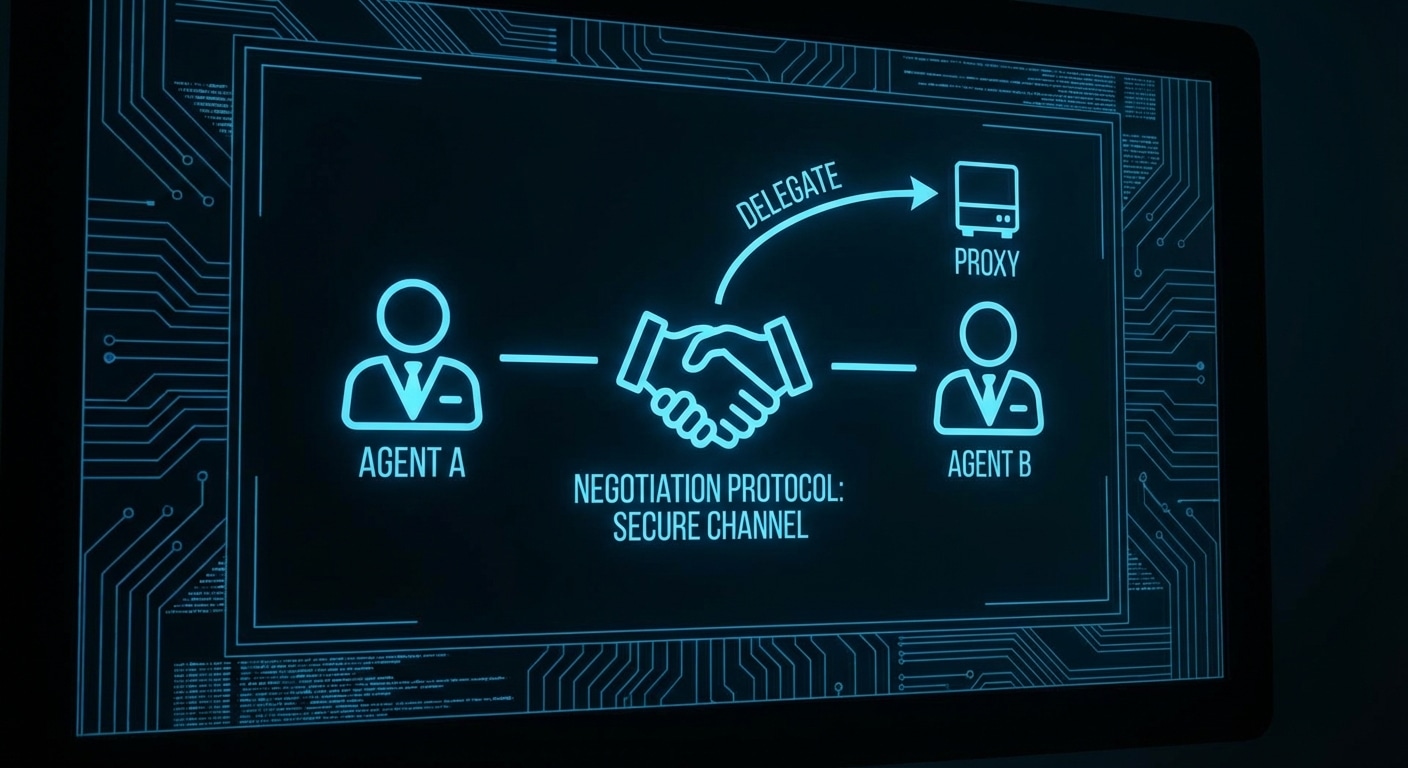
Multi-agent systems use more than one agent (or role) to accomplish a task. One might do research, another write code, another review; they hand off work or debate until they converge. The appeal is specialisation and checks-and-balances: different “brains” for different steps, and one can catch another’s mistake. The cost is coordination: who does what, when do you stop, and how do you avoid loops or contradictions.

Coordination patterns vary. You can have a supervisor that assigns subtasks to worker agents and merges results. You can have a debate: two agents argue for different answers and a third decides. You can have a pipeline: agent A’s output is agent B’s input. The common thread is that each agent has a clear role and a defined interface (input/output or shared state), and the system has a protocol for handoffs and termination.

Trust is tricky. You’re still relying on LLMs to follow the protocol, stay in role, and not hallucinate or contradict each other. In practice you need guardrails: max steps, validation of handoffs, and sometimes human approval for high-stakes steps. Failure modes include infinite loops (agents keep delegating), conflicting answers (no clear winner), and one agent undoing another’s work.

Multi-agent setups are most useful when the task naturally splits (e.g. research + synthesis + writing) or when you want redundancy (e.g. two agents propose, one adjudicates). For many use cases a single capable agent with good tools is simpler and easier to debug.

Expect more frameworks and patterns for multi-agent coordination, and clearer guidance on when the extra complexity pays off.

nJoy πŸ˜‰

Tool Use and Function Calling: From Simple APIs to Full Autonomy

Tool use is how an LLM goes from “text in, text out” to “text in, call an API, get data, then text out.” The model is given a list of tools (name, description, parameters) and can request a call; your code runs the call and returns the result to the model. That’s the basis of search assistants, code runners, and custom integrations. Function calling is the same idea with a more formal name: the model outputs a structured call (function name + arguments) instead of free text, which makes parsing and execution reliable.

Most APIs (OpenAI, Anthropic, Google) support a tools or functions parameter: you pass a schema (e.g. JSON Schema for the arguments), and the model responds with something like tool_calls: [{ name: “get_weather”, arguments: { “city”: “London” } }]. You execute that, then send the result back in a follow-up message. The model can then call another tool or give a final answer. The loop is: user message β†’ model (maybe with tool_calls) β†’ you run tools β†’ you send tool results β†’ model again.

Good tool design matters: clear names, concise descriptions, and well-scoped parameters. Too many tools or vague descriptions and the model gets confused; too few and it can’t do the job. You also need to handle errors (tool failed, timeout) and sometimes rate limits or auth. Passing back “Tool failed: …” as the observation lets the model retry or explain the failure to the user.

From simple APIs (one or two tools) to full autonomy (dozens of tools, multi-step plans), the same pattern holds: the model decides when and how to call, your code enforces safety and runs the call. That separation keeps the LLM in the “reasoning” role and keeps dangerous or privileged actions under your control.

Expect more standardisation (e.g. OpenAPI-based tool discovery) and better models that follow tool schemas more reliably.

nJoy πŸ˜‰

The ReAct Pattern: Think, Act, Observe β€” How Agents Reason

ReAct stands for Reason, Act, Observe. It’s a pattern for getting LLMs to use tools in a structured way: the model outputs a thought (reasoning), then an action (e.g. call this tool with these args), then you run the action and feed the result back as the observation. The model then reasons again and either takes another action or gives a final answer. That alternation of reasoning and acting reduces the chance the model “hallucinates” a tool result or skips a step.

In practice you prompt the model with a format like “Thought: … Action: tool_name(args). Observation: …” and parse the output to extract the action. You execute the action (API call, code run, search), append “Observation: <result>” to the conversation, and send it back. The model’s next turn is another Thought and possibly another Action. You keep going until the model outputs “Final Answer: …” or you hit a step limit.

ReAct doesn’t require special training, it’s a prompting and parsing discipline. Many agent frameworks (LangChain, AutoGPT-style setups, and custom loops) implement something like it. The key is that the model “sees” the result of each action before deciding the next one, so it can recover from mistakes and chain multiple tools.

The downside is token cost: every thought and action is in the context, so long tasks can blow up context length. You often summarise or truncate old steps. Also, the model can still output malformed actions or infinite loops, so you need timeouts and retries.

ReAct is one of the main patterns that make agents practical today. Expect it to evolve into more structured formats (e.g. JSON actions) and tighter integration with function-calling APIs.

nJoy πŸ˜‰

What Is an AI Agent? Beyond the Chatbot

An AI agent is a system that doesn’t just answer one question and stop, it takes a goal, chooses actions (often by calling tools or APIs), observes what happened, and loops until the goal is met or it gives up. That’s a different beast from a chatbot that runs one prompt and returns one reply. Agents are why you can say “summarise my inbox and draft three replies” and the system actually opens the inbox, reads, calls the LLM, writes drafts, and shows them to you.

The core loop is simple: state (goal, context) β†’ decide (what to do next) β†’ act (run a tool or ask the LLM) β†’ observe (get tool output or model output) β†’ update state β†’ repeat. The hard part is making “decide” and “act” robust: the model has to pick the right tool, pass the right arguments, handle errors, and not loop forever. That’s where frameworks and patterns like ReAct, tool-calling APIs, and guardrails come in.

Agents can be single-LLM (one model that reasons and picks tools) or multi-agent (several specialised models or roles that hand off to each other). They can have access to search, code execution, file systems, or custom APIs. The unifying idea is autonomy within a defined scope: you set the goal and the rules, the agent does the steps.

Failure modes are real: the model might call the wrong tool, misparse output, or spin on a task without making progress. Production agents need timeouts, step limits, and human-in-the-loop checkpoints for anything irreversible. The best agents are also observable, you can see the reasoning and tool calls so you can debug and improve them.

Agents are where LLMs move from “helpful assistant” to “autonomous worker.” Expect more tooling, better tool schemas, and clearer patterns for when to use agents versus a single call.

nJoy πŸ˜‰

Quantization Explained: Running 70B Models on Consumer Hardware

A 70B model in full 16-bit precision needs about 140 GB of VRAM. Almost no consumer card has that. Quantization reduces the bit width of the weights (and sometimes activations) so the same model fits in far less memory and runs faster. 8-bit cuts memory in half with a small quality drop; 4-bit (e.g. GPTQ, AWQ, or GGUF Q4_K_M) gets you to roughly a quarter of the size, so a 70B model can run on a 24 GB GPU or a high-end Mac. You’re trading a bit of numerical precision for accessibility.

The math is simple in principle: map float16 weights to a small set of integers (e.g. 0–15 for 4-bit), store those, and at runtime dequantize on the fly or use integer kernels. The art is in how you choose the mapping, per-tensor, per-group, or per-channel, and whether you calibrate on data (GPTQ, AWQ) to minimise error where it matters most. GGUF is a file format that stores quantized weights and metadata so that llama.cpp and others can load them without re-running the quantizer.

In practice you download a pre-quantized model (e.g. from Hugging Face), load it in vLLM, Ollama, or llama.cpp, and run. You might see a small drop in coherence or reasoning on hard tasks; for most chat and tool use it’s fine.

New formats and methods (e.g. 3-bit, mixed precision) will keep pushing the frontier. If you’re on a single machine, quantization is what makes 70B and beyond possible. If you’re in the cloud, it’s what makes those models cheap to serve.

Quantization is the key that unlocked running 70B and larger models on consumer hardware; the next step is making those quantized models even faster and more accurate.

nJoy πŸ˜‰

Continuous Batching: Why Your AI API Is Faster Than You Think

Traditional batch inference works like a bus: you wait until every passenger (request) is ready, then you run one big forward pass. When requests have different lengths or finish at different times, the bus still waits for the slowest. That wastes GPU time and inflates latency. Continuous batching fixes that by treating the batch as fluid: new requests join as soon as there’s room, and requests leave as soon as they’ve produced their next token. So at each step you’re decoding for a set of “active” sequences, not a fixed batch. Throughput goes up and tail latency goes down.

Under the hood, the server maintains a batch of in-flight sequences. Each step: run one decode for every sequence in the batch, append the new token to each, check for EOS or stop conditions, remove finished sequences, and add new ones from the queue. The batch shape changes every step. That requires dynamic shapes and careful memory handling, which is where PagedAttention and similar schemes help. vLLM and TGI both use continuous batching; it’s a big reason they can serve many users at once without turning into a queue.

For you as a user of an API, it means the server isn’t waiting for other people’s long answers before starting yours. For you as an operator, it means the GPU stays busy and you can set tighter latency targets.

The only downside is implementation complexity and the need for kernels that support variable-length batches. Once that’s in place, continuous batching is the default for any serious serving setup.

Expect continuous batching to become the norm everywhere; the next improvements will be around prioritisation, fairness, and better memory reuse.

nJoy πŸ˜‰

The Inference Framework Showdown: vLLM vs TGI vs Ollama vs llama.cpp

There are four main ways to run LLM inference today, each aimed at a different use case. vLLM is the performance king for multi-user APIs: PagedAttention, continuous batching, and an OpenAI-compatible server. You run it on a GPU server, point clients at it, and scale by adding more replicas. Hugging Face Text Generation Inference (TGI) is in the same league, also batching and an API, with strong support for Hugging Face models and built-in tooling. Choose vLLM when you want maximum throughput and flexibility; choose TGI when you’re already in the HF ecosystem and want a one-command deploy.

Ollama is the “just run it” option on a Mac or PC. You install one binary, run ollama run llama3, and get a local chat and an API. It handles model download, quantization, and a simple server. No batching to speak of, it’s one request at a time, but for dev and personal use that’s fine. llama.cpp is the library underneath many local runners: C++, CPU and GPU, minimal dependencies, and the reference for quantization (GGUF, Q4_K_M, etc.). You use llama.cpp when you’re embedding inference in an app or need maximum control and portability.

Rough rule of thumb: API product or multi-user service β†’ vLLM or TGI. Local tinkering and demos β†’ Ollama. Custom app, embedded, or research β†’ llama.cpp.

The landscape is still moving: new entrants, mergers of ideas (e.g. speculative decoding everywhere), and more focus on latency and cost. Picking one stack now doesn’t lock you in forever, but understanding the tradeoffs helps you ship without over-engineering or under-provisioning.

nJoy πŸ˜‰

vLLM and PagedAttention β€” The Architecture That Scaled AI APIs

Early LLM APIs hit a wall: GPUs had plenty of compute, but memory for the “KV cache”, the key and value tensors that attention uses for long contexts, fragmented and wasted space. Different requests had different sequence lengths, so pre-allocating a block per request either ran out of memory or left big holes. vLLM’s insight was to borrow an idea from operating systems: paging. Treat the KV cache as a heap of fixed-size blocks and allocate only what each request actually needs. That one change drove huge gains in throughput and made long-context serving practical.

PagedAttention works like virtual memory. The logical KV cache for a sequence is split into blocks. A request allocates blocks as it generates; when the request ends, blocks go back to a pool. No more worst-case allocation per request, and no fragmentation in the same way. The attention kernel then has to gather from these non-contiguous blocks, which vLLM does efficiently. The result is that you can pack many more concurrent requests onto one GPU, and latency stays predictable.

The rest of vLLM is built around this: continuous batching (add new requests and decode steps as they’re ready), CUDA graphs and custom kernels to reduce overhead, and an OpenAI-compatible API so existing clients and apps work. It’s open source and has become the default choice for many teams serving Llama, Mistral, and similar models in production.

You do pay a small cost: the gather step and block management add some complexity and a bit of overhead compared to a single-request path. For short, single-user use cases, a simpler engine might be fine. For multi-tenant APIs and high utilisation, PagedAttention is what makes the numbers work.

Expect more variants: different block sizes, eviction policies for “infinite” context, and tighter integration with quantized and speculative decoding.

nJoy πŸ˜‰