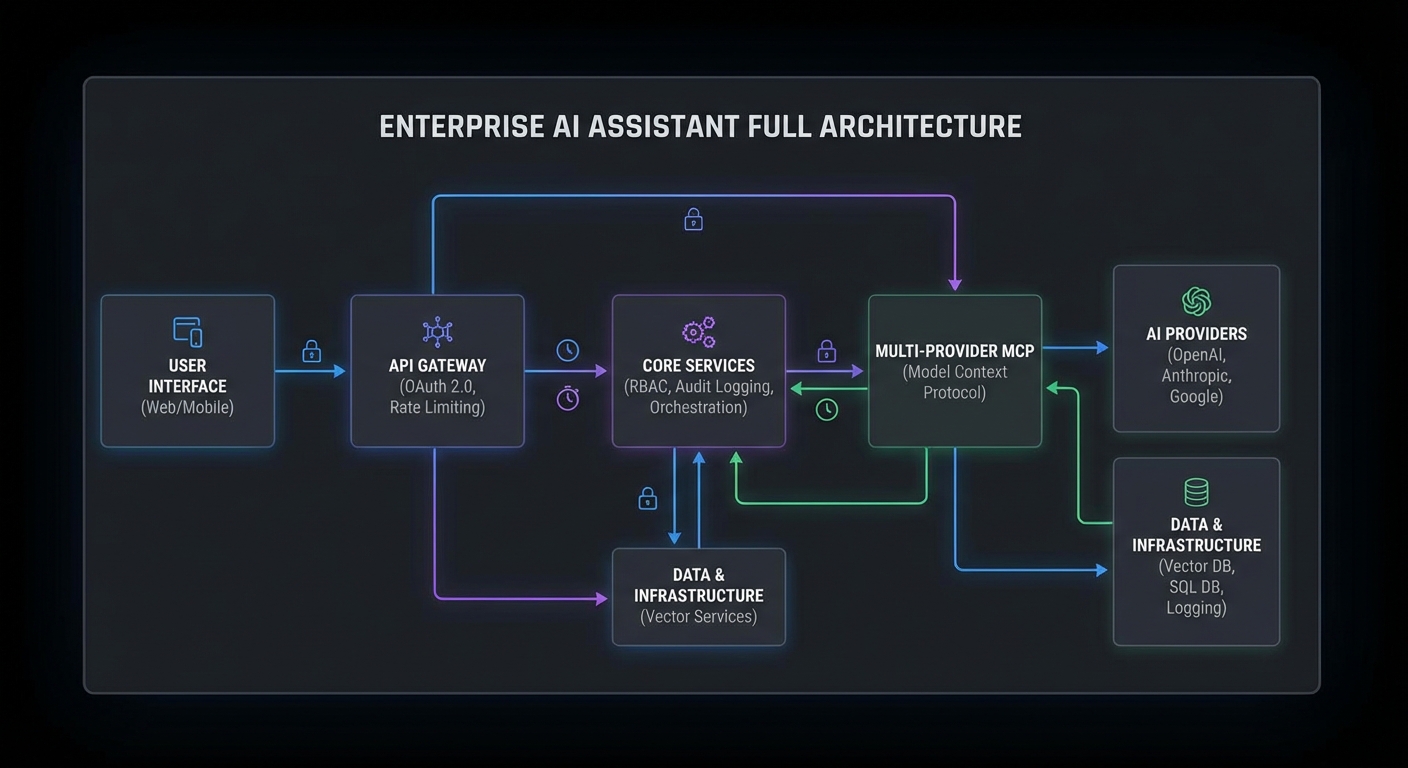
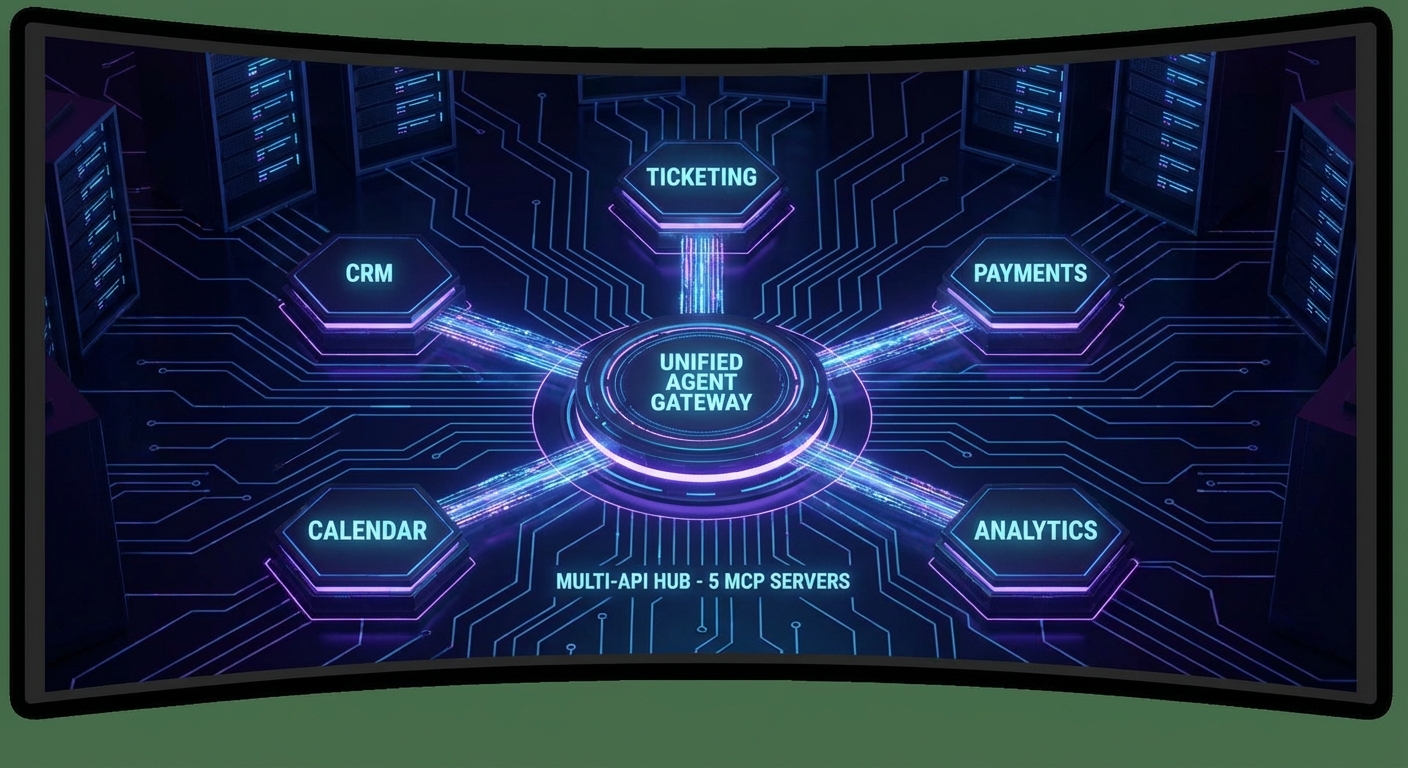
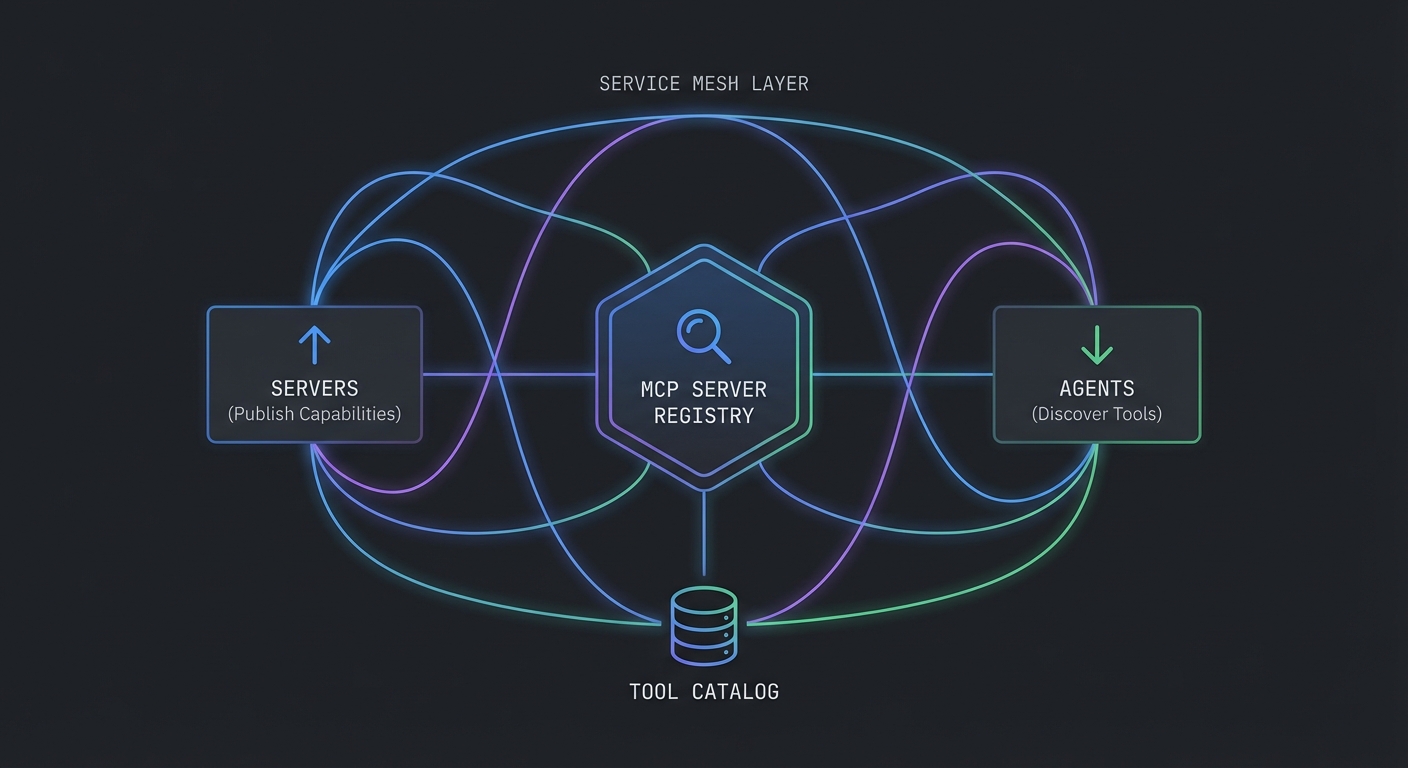
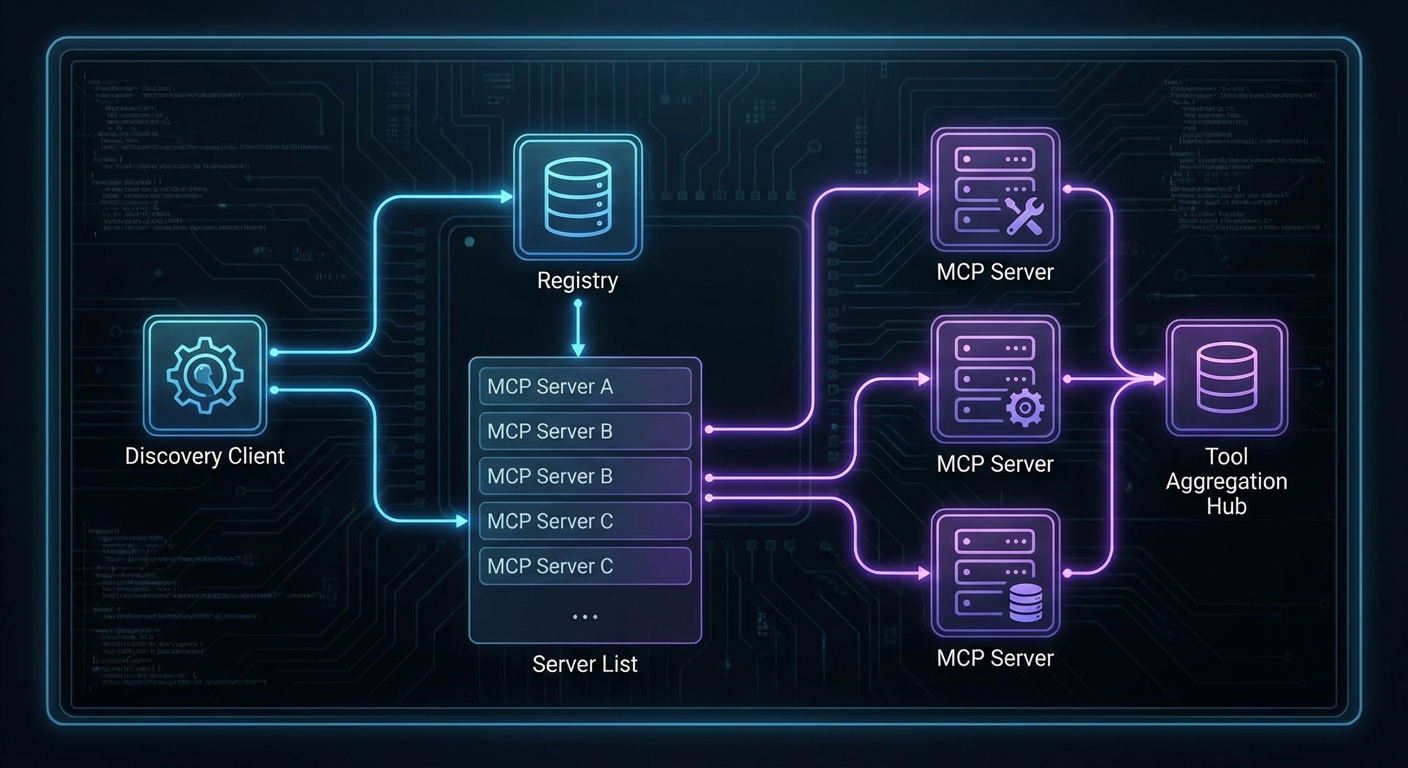
This final capstone assembles everything from the course into a complete MCP platform: a registry for server discovery, an API gateway for authentication and routing, a collection of domain-specific MCP servers, and a web interface where teams can explore available tools, run agent queries, and review audit logs. When you deploy this platform, you have the infrastructure that enterprise teams need to build and manage AI-powered workflows on MCP.
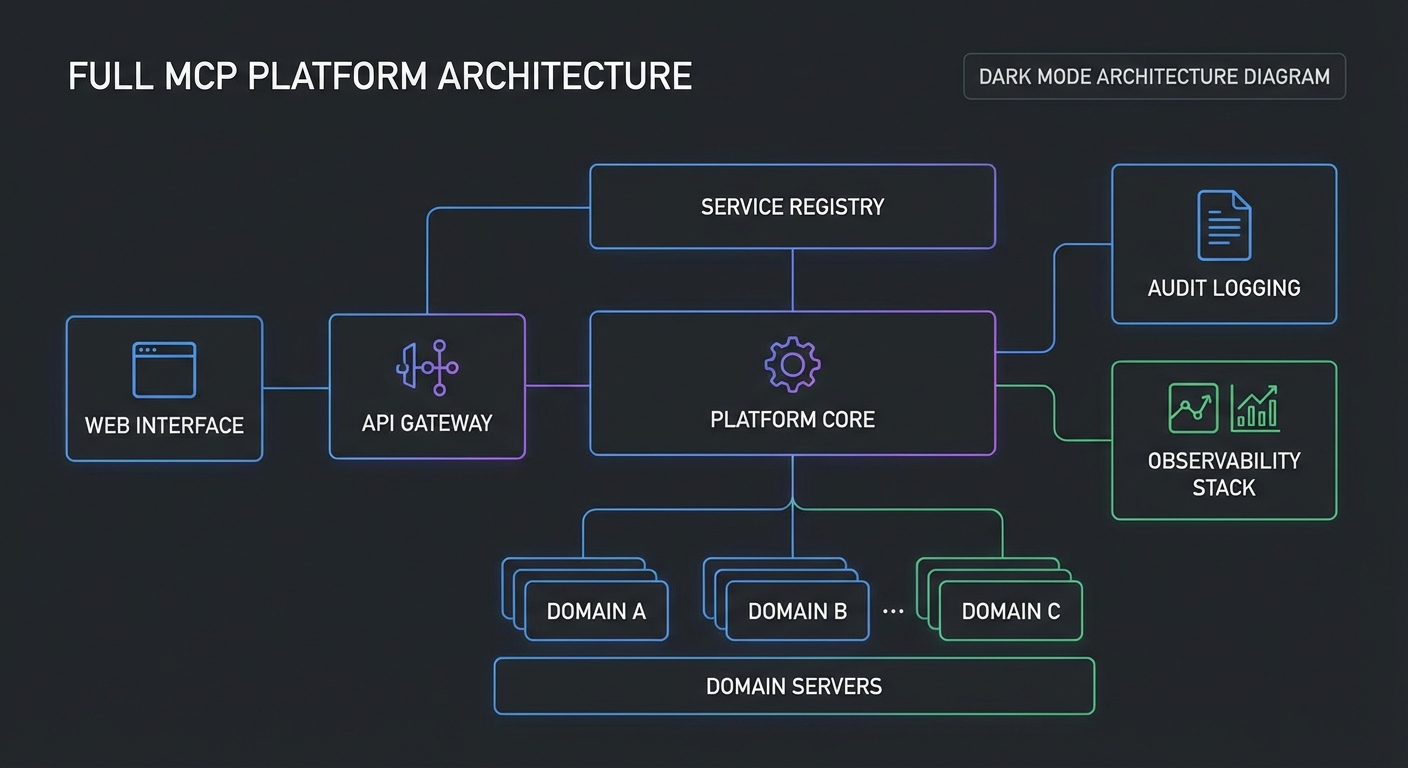
Platform Architecture Overview
| Component | Purpose | Lesson Reference |
|---|---|---|
| MCP Registry | Server discovery and health tracking | Lesson 44 |
| API Gateway | Auth (OAuth), rate limiting, routing | Lessons 31, 41 |
| Domain MCP Servers | Business tools (CRM, docs, analytics) | Parts I-III |
| Multi-Provider Agent | Route queries to OpenAI/Claude/Gemini | Lessons 28-30 |
| Audit Service | Structured logs, compliance reporting | Lesson 35 |
| Observability Stack | Prometheus + Grafana + OpenTelemetry | Lesson 42 |
| Management UI | Tool explorer, query interface, logs | This lesson |
Every row in this table maps to a lesson you have already completed. The capstone’s job is not to teach new concepts but to show how they compose into a real system. In production, these components run as separate services that communicate over HTTP and message queues, so a failure in analytics does not bring down the gateway or registry.
Platform Bootstrap Script
// platform/bootstrap.js
// Register all MCP servers with the registry on startup

const REGISTRY_URL = process.env.REGISTRY_URL ?? 'http://localhost:4000';

const MCP_SERVERS = [
  {
    id: 'products',
    name: 'Product Catalog Server',
    description: 'Search, browse, and manage product catalog',
    url: process.env.PRODUCTS_SERVER_URL,
    tags: ['products', 'catalog', 'inventory'],
    auth: { type: 'bearer' },
    healthUrl: `${process.env.PRODUCTS_SERVER_URL}/health`,
  },
  {
    id: 'analytics',
    name: 'Analytics Server',
    description: 'Business metrics, trends, and reports',
    url: process.env.ANALYTICS_SERVER_URL,
    tags: ['analytics', 'metrics', 'reports'],
    auth: { type: 'bearer' },
    healthUrl: `${process.env.ANALYTICS_SERVER_URL}/health`,
  },
  // ... more servers
];

async function registerAll() {
  for (const server of MCP_SERVERS) {
    await fetch(`${REGISTRY_URL}/servers`, {
      method: 'POST',
      headers: { 'Content-Type': 'application/json' },
      body: JSON.stringify(server),
    });
    console.log(`Registered: ${server.name}`);
  }
}

await registerAll();
Registry-driven discovery is what makes this platform extensible. When a new team wants to expose their internal API as an MCP server, they register it here and it becomes automatically available to the agent and the management UI. No code changes, no redeployment of the gateway – just a single POST to the registry endpoint.
Management API
// platform/management-api.js
// REST API for the management UI

import express from 'express';
const app = express();
app.use(express.json());

// List all registered MCP servers with health
app.get('/api/platform/servers', async (req, res) => {
  const response = await fetch(`${REGISTRY_URL}/status`);
  res.json(await response.json());
});

// List all tools from all healthy servers
app.get('/api/platform/tools', async (req, res) => {
  const discovery = new McpDiscoveryClient(REGISTRY_URL);
  await discovery.connect();
  const tools = await discovery.getAllTools();
  res.json({ tools, count: tools.length });
});

// Execute an agent query
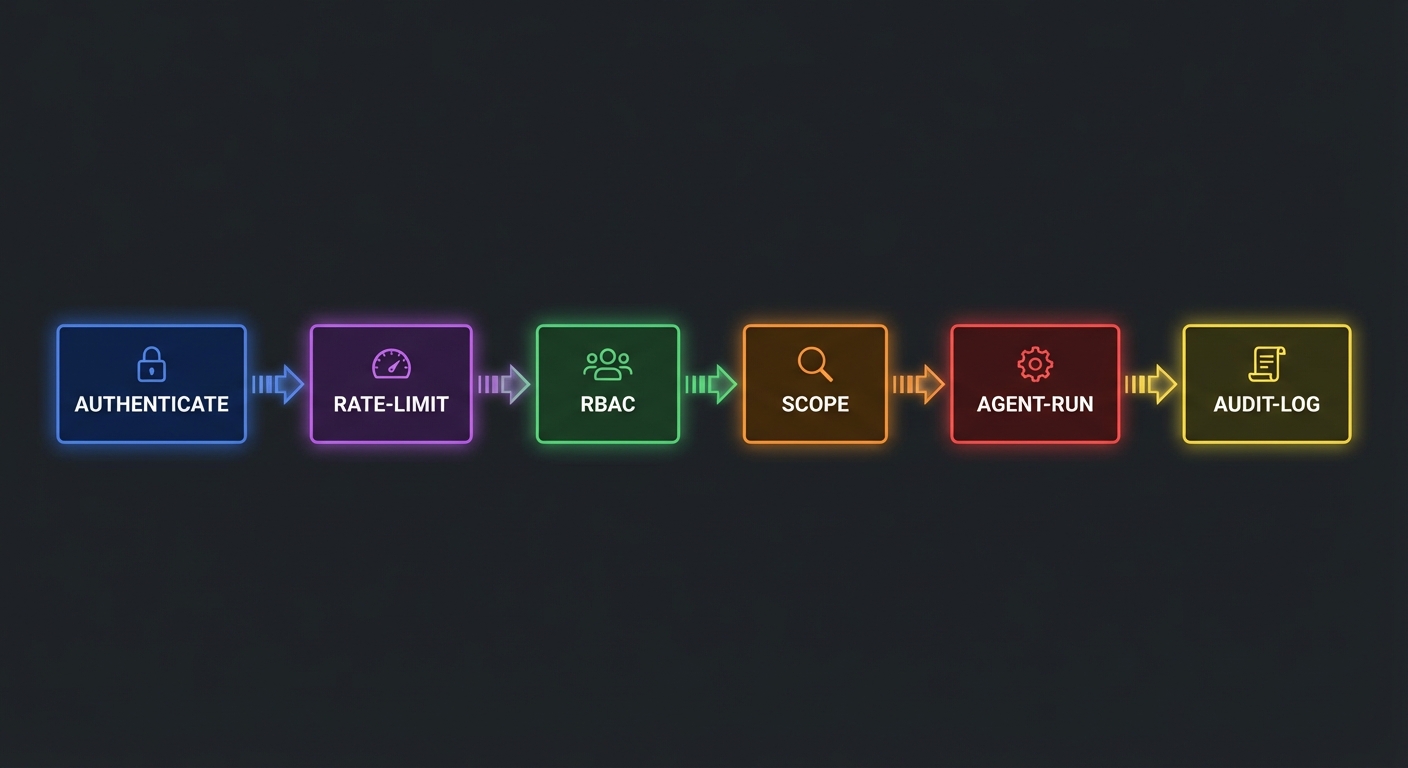
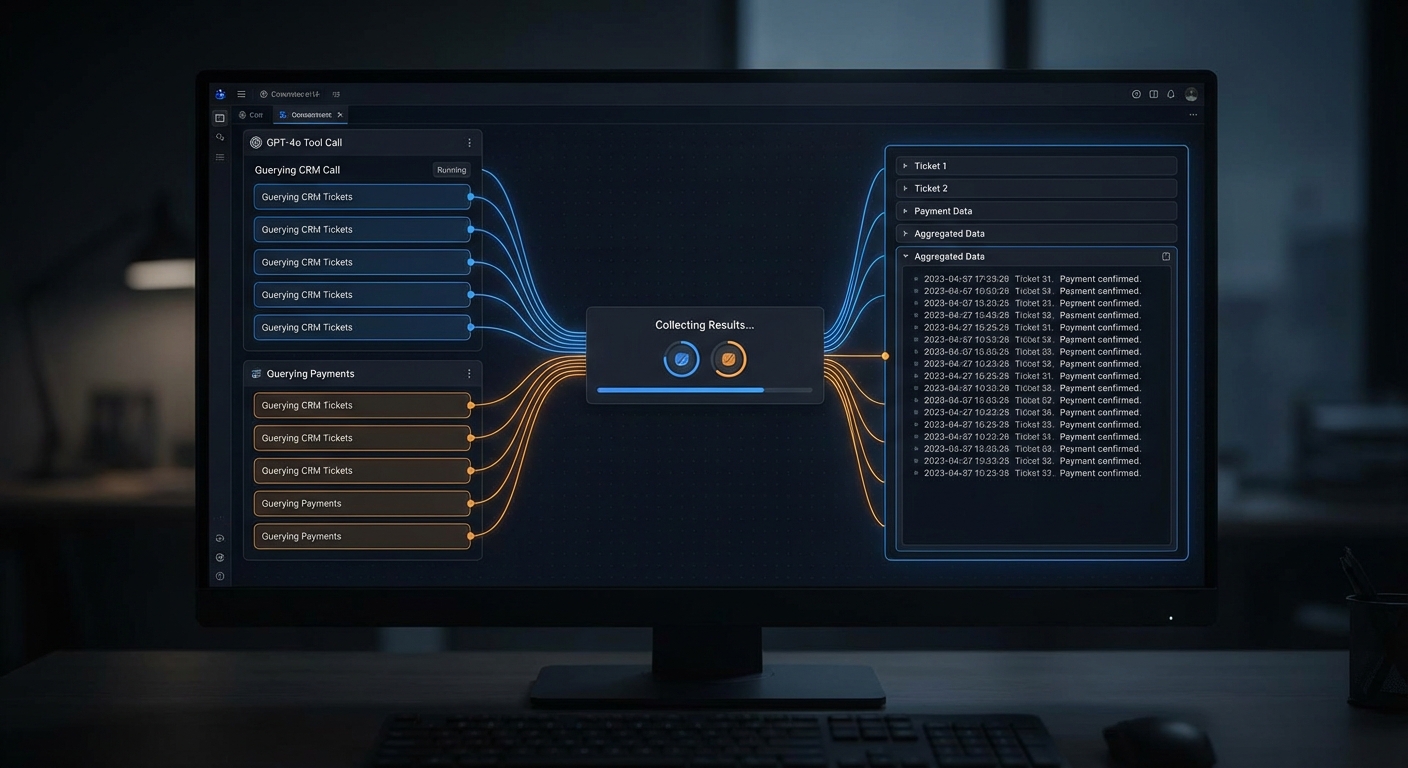
app.post('/api/platform/query', async (req, res) => {
  const { question, provider = 'auto', userId } = req.body;
  // Rate limit, auth check, then:
  const agent = await createAgent({ scope: getUserScope(userId), preferredProvider: provider });
  const answer = await agent.run(question);
  res.json({ answer });
  await agent.close();
});

// Get audit logs for a user
app.get('/api/platform/audit', async (req, res) => {
  const { userId, from, to, limit = 50 } = req.query;
  const logs = await auditDb.query({ userId, from, to, limit });
  res.json({ logs });
});

app.listen(5000, () => console.log('Management API on :5000'));
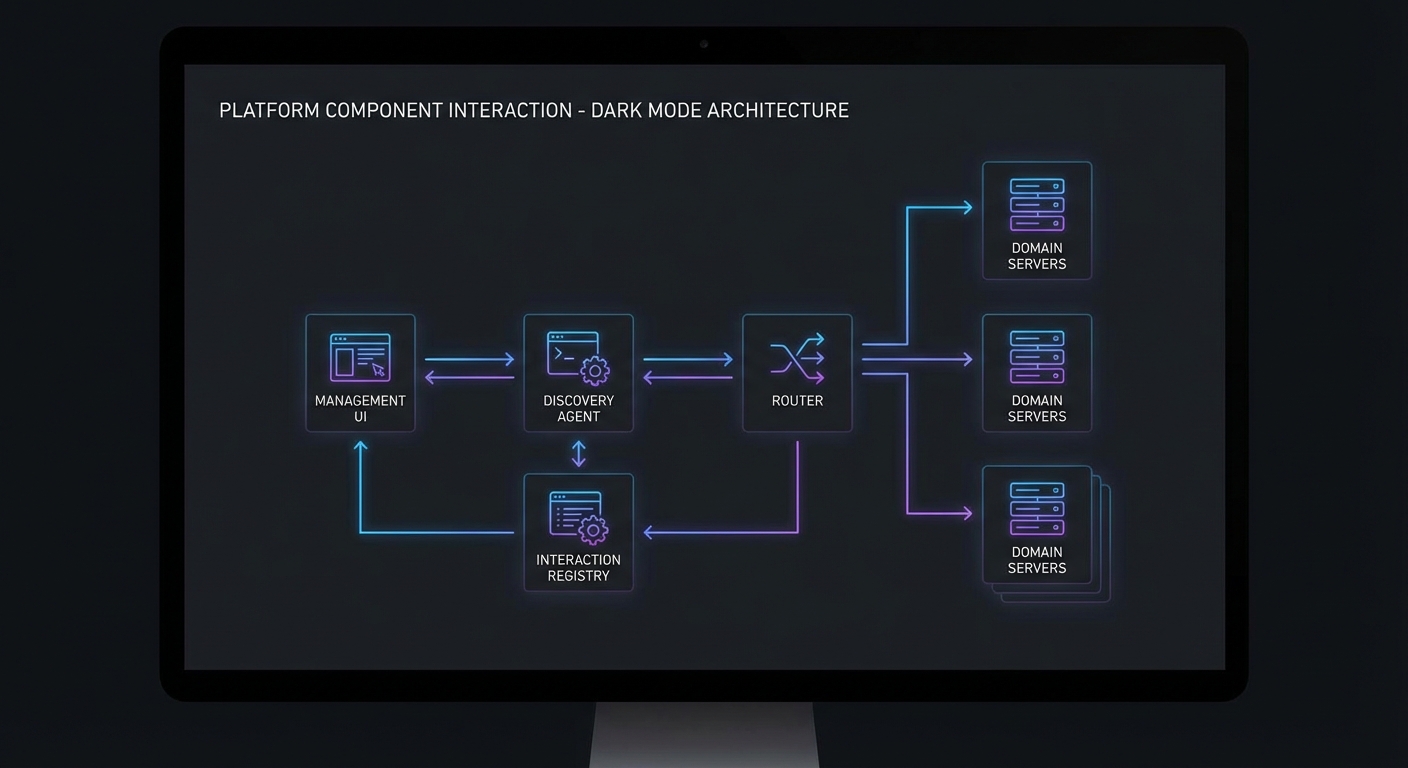
One risk in a distributed platform like this: if the registry goes down, no new agent sessions can discover tools. The management API’s /tools endpoint depends on a live registry connection. In production, cache the last-known server list in the gateway so it can continue serving requests even during a brief registry outage.
The audit endpoint at /api/platform/audit is what compliance teams will query most frequently. It lets managers review what their team asked the AI, which tools it called, and whether any requests failed. Without this, AI assistants become a black box that security teams will rightly refuse to approve.
Docker Compose – Full Platform
services:
  registry:
    build: ./registry
    ports: ["4000:4000"]
    depends_on: [redis]

  gateway:
    build: ./gateway
    ports: ["3000:3000"]
    environment:
      REGISTRY_URL: http://registry:4000
    depends_on: [registry, redis]

  management-api:
    build: ./platform
    ports: ["5000:5000"]
    depends_on: [gateway, registry]

  products-server:
    build: ./servers/products
    environment:
      DATABASE_URL: ${PRODUCTS_DB_URL}

  analytics-server:
    build: ./servers/analytics
    environment:
      DATABASE_URL: ${ANALYTICS_DB_URL}

  redis:
    image: redis:7-alpine

  prometheus:
    image: prom/prometheus:v2.50.0
    volumes:
      - ./prometheus.yml:/etc/prometheus/prometheus.yml
    ports: ["9090:9090"]

  grafana:
    image: grafana/grafana:10.3.0
    ports: ["3001:3000"]
    depends_on: [prometheus]
Eight services in a single Compose file. This is a realistic local development setup, but for production you would break these into separate deployment units – the gateway and domain servers behind a load balancer, Prometheus and Grafana in a dedicated monitoring namespace, and the registry behind its own high-availability cluster.
What You Have Built
Across all 53 lessons and 5 capstone projects you have built:
- MCP servers using every primitive: tools, resources, prompts, sampling, elicitation, roots
- Clients for all three major LLM providers: OpenAI, Claude, and Gemini
- Production infrastructure: Docker, Kubernetes, Nginx, Redis
- Security stack: OAuth 2.0, RBAC, input validation, audit logging, secrets management
- Multi-agent systems: A2A delegation, LangGraph integration, state management
- Observability: Prometheus metrics, OpenTelemetry tracing, structured logs
- A complete enterprise platform: registry, gateway, domain servers, management UI
MCP is the connective tissue of the AI application stack. You now know it from protocol fundamentals to enterprise deployment. Go build something important.
nJoy 😉